@ticaki Tim, ich schließe mich mit kleinen Problemchen bei CardThermo an:
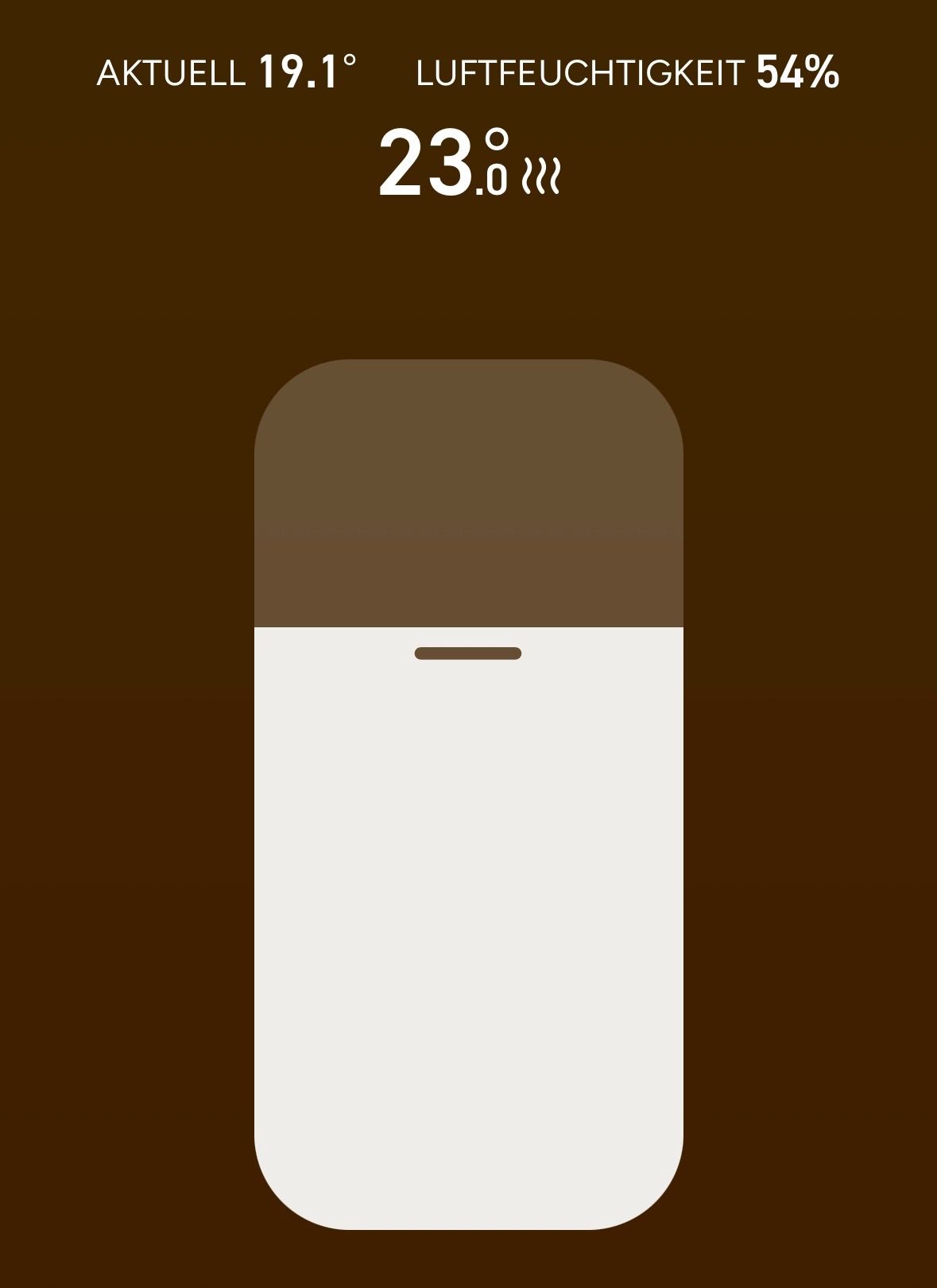
[image: 1769353197346-rn_image_picker_lib_temp_83e01116-3c0b-4d4b-9a11-ab7db69de46c-resized.jpg]
Wie stelle ich die Symbole links ein? Switch "on/off" funktioniert bei mir nicht. Anbei noch meine Alias:
[image: 1769353291905-screenshot-2026-01-25-160119.jpg]
Skript:
const Klima_wz: PageType = {
type: 'cardThermo2',
'heading': 'Klimaanlage',
uniqueName: 'Klimaanlage_WZ',
thermoItems: [
{
id: 'alias.0.Klimaanlage_WZ',
name: 'Klimaanlage',
set:'daikin-cloud.0.577ba625-67cd-45fb-a308-6ee10d0e4c08.climateControl.temperatureControl.operationModes.auto.setpoints.roomTemperature', // Der Einstellwert der Heizung
thermoId1:'daikin-cloud.0.577ba625-67cd-45fb-a308-6ee10d0e4c08.climateControl.sensoryData.roomTemperature', // Aktuelle Raumtemperatur (oberer Wert in der Anzeige)
thermoId2:'daikin-cloud.0.577ba625-67cd-45fb-a308-6ee10d0e4c08.climateControl.sensoryData.roomHumidity', // Aktuelle Luftfeuchtigkeit (unterer Wert in der Anzeige)
modeList: ["fanOnly", "auto", "heating", "cooling", "Sparn", "dry"],
minValue: 16,
maxValue: 28,
stepValue: 1.0,
}
],
'parent': 'main',
'items': []
};