




Test Adapter TP-Link Tapo
-
Hallo @thomas-braun , vielen dank!
Ich habe jetzt auf Node22 umgestellt und erhalte weiterhin die meldungen:
@Rawx17 sagte in Test Adapter TP-Link Tapo:
2025-12-28 21:36:50.631 - error: tapo.0 (5560) Local seed auth hash doesn't match server hash. Please check if the mail and password are correct. And E-Mail is in same Upper/Lowercase as in the Tapo App
Hast du geprüft?
-
@Rawx17 sagte in Test Adapter TP-Link Tapo:
2025-12-28 21:36:50.631 - error: tapo.0 (5560) Local seed auth hash doesn't match server hash. Please check if the mail and password are correct. And E-Mail is in same Upper/Lowercase as in the Tapo App
Hast du geprüft?
@Thomas-Braun Ja habe ich. Komplett neuen Account angelegt mail komplett klein geschrieben usw...
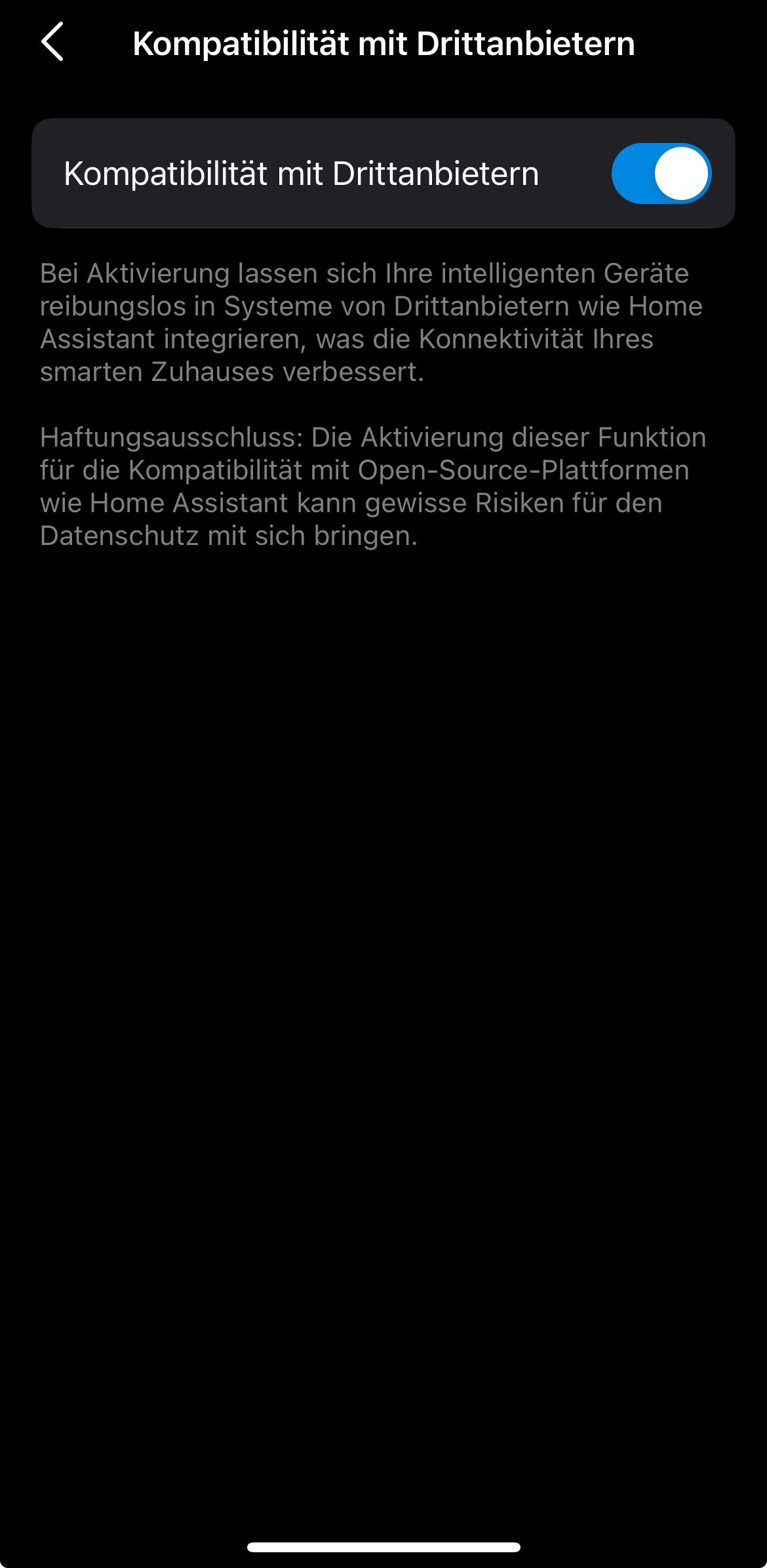
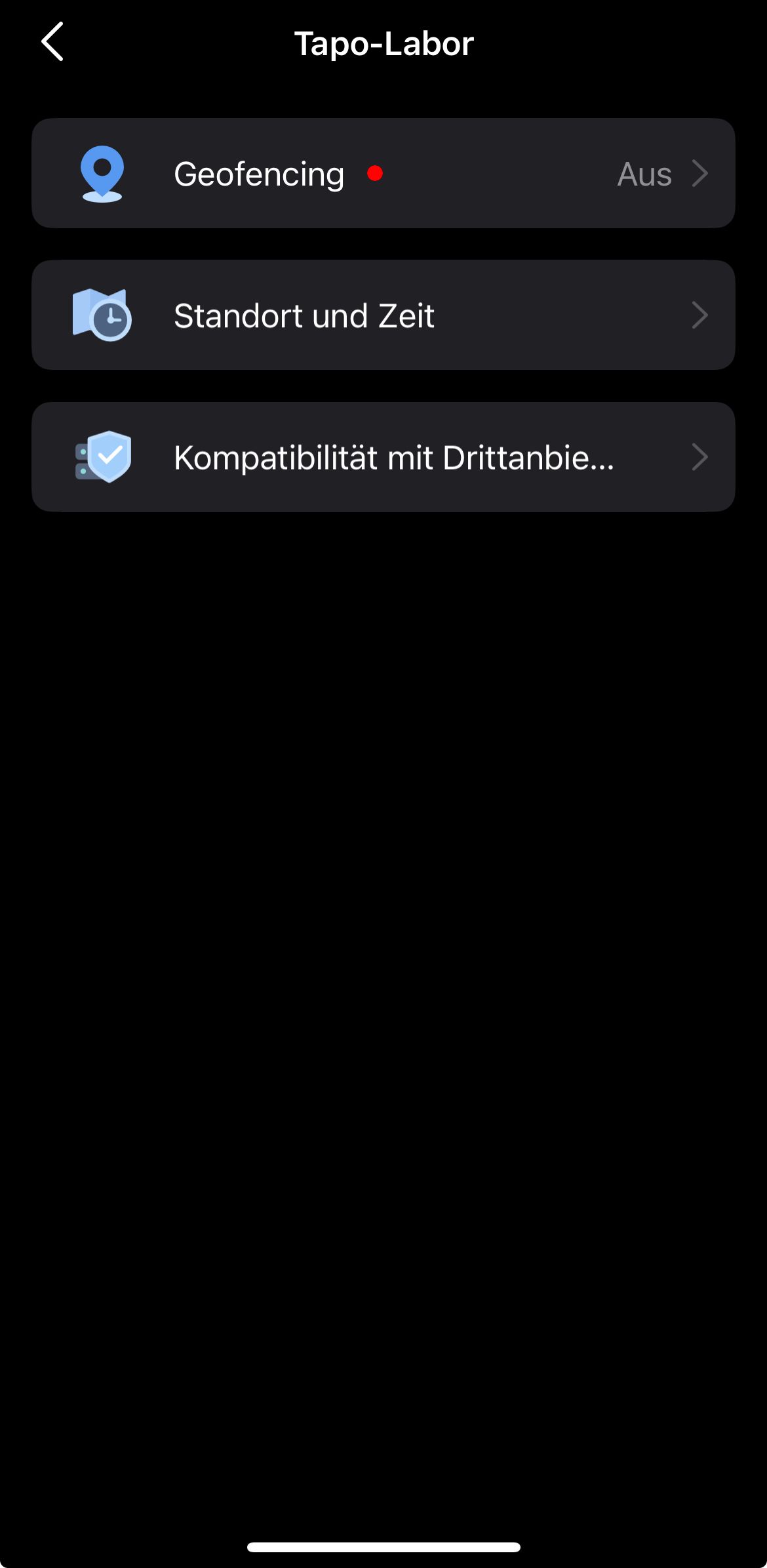
EDIT: auch sofort drittanbieter apps Akitiviert!Ist folgendes nicht der Nachweiß dass der Login funktioniert?
2025-12-28 21:36:23.459  - info: tapo.0 (5560) Login tp TAPO App
2025-12-28 21:36:23.709  - info: tapo.0 (5560) Login succesfull
Wenns das nicht ist, was genau bedeutet dieser Fehler sonst?
Es ist ja anschließend die Rede von einem Timeout, den ich mir absolut nicht erklären kann..
-
lies mal bissel weiter oben. Ich habe alle TAPO's rausgeschmissen. Bei mir lief der Adapter erst normal, dann bockig und am Ende gar nicht mehr verlässlich. Bei mir Ende aus die Maus. Ich habe unter GIT Probleme gemeldet, sorry aber da tut sich nichts.
Ro75.
-
lies mal bissel weiter oben. Ich habe alle TAPO's rausgeschmissen. Bei mir lief der Adapter erst normal, dann bockig und am Ende gar nicht mehr verlässlich. Bei mir Ende aus die Maus. Ich habe unter GIT Probleme gemeldet, sorry aber da tut sich nichts.
Ro75.
@Ro75 Ich habe es jetzt über den Smartthings adapter gelöst. Damit kann man die tapos verlässlich schalten. Komisch, dass sowohl der Alexa adapter als auch der Smartthings adapter die Dosen problemlos schalten können aber der "hauseigene" adapter nicht.
Info. Ich bin über smartthings gegangen weil bei dem Alexa sind nur extrem wenige befehle pro 10 minuten erlaubt was für eine bewegungsmeldersteuerung absolut unbrauchbar ist in einem Raum wo man sich häufiger aufhält...
Wieso ist der Tapo adapter hier so komisch "sensitiv" auf die Accountdaten und andere adapter nicht?
-
Moin zusammen,
seit einiger Zeit bekomme ich folgende Meldungen im Log (dutzende an Tag):tapo.0 2026-01-03 23:39:22.435 error Get Device Info failed for 80220719A059A5A7CC58B902714B8CC72xxxxxxx - TypeError: Cannot read properties of undefined (reading 'request') tapo.0 2026-01-03 23:39:22.432 error 671 Error Code: Bad control character in string literal in JSON at position 15, undefined 10.1.x.x tapo.0 2026-01-03 23:39:22.384 error Get Device Info failed for 80220719A059A5A7CC58B902714B8CC72xxxxxxx - TypeError: Cannot read properties of undefined (reading 'request') tapo.0 2026-01-03 23:39:22.383 error 671 Error Code: Bad control character in string literal in JSON at position 15, undefined 10.1.x.x tapo.0 2026-01-03 23:29:23.214 error Get Device Info failed for 80228BB16312291F3FD5F15569F80AB92xxxxxxx - TypeError: Cannot read properties of undefined (reading 'request') tapo.0 2026-01-03 23:29:23.205 error 671 Error Code: Bad control character in string literal in JSON at position 15, undefined 10.1.x.xEbenso erhalte ich diese Warnings, weswegen ich das Log-Level vom Adapter schon auf Error gestellt habe:
2026-01-03 22:51:21.090 - warn: tapo.0 (9428) State "tapo.0.802268495A79A6E4AAF9D82CD763EF4B1xxxxxxx.tod`y_runtime" has no existing object, this might lead to an error in future versions
2026-01-03 22:51:21.130 - warn: tapo.0 (9428) State "tapo.0.8022ED528A7BD7C13A74EF75D64F9A452xxxxxxx.tod`y_runtime" has no existing object, this might lead to an error in future versions
2026-01-03 22:51:21.142 - warn: tapo.0 (9428) State "tapo.0.80228BB16312291F3FD5F15569F80AB9xxxxxxx.tod`y_runtime" has no existing object, this might lead to an error in future versions
2026-01-03 22:51:21.161 - warn: tapo.0 (9428) State "tapo.0.8022D96450916D7669A9FC0CC30766222xxxxxxx.tody_runtime" has no existing object, this might lead to an error in future versions
2026-01-03 22:51:21.178 - warn: tapo.0 (9428) State "tapo.0.80220719A059A5A7CC58B902714B8CC72xxxxxxx.tod`y_runtime" has no existing object, this might lead to an error in future versions
2026-01-03 22:51:21.223 - warn: tapo.0 (9428) State "tapo.0.8022ED528A7BD7C13A74EF75D64F9A45xxxxxxx.tod`y_runtime" has no existing object, this might lead to an error in future versions
2026-01-03 22:53:21.124 - warn: tapo.0 (9428) State "tapo.0.8022ED528A7BD7C13A74EF75D64F9A452xxxxxxx.tod`y_runtime" has no existing object, this might lead to an error in future versions
2026-01-03 22:53:21.155 - warn: tapo.0 (9428) State "tapo.0.80228BB16312291F3FD5F15569F80AB92xxxxxxx.tod`y_runtime" has no existing object, this might lead to an error in future versions
2026-01-03 22:53:21.156 - warn: tapo.0 (9428) State "tapo.0.802268495A79A6E4AAF9D82CD763EF4B1xxxxxxx.tod`y_runtime" has no existing object, this might lead to an error in future versions
2026-01-03 22:53:21.187 - warn: tapo.0 (9428) State "tapo.0.80220719A059A5A7CC58B902714B8CC7xxxxxxx.tod`y_runtime" has no existing object, this might lead to an error in future versions
2026-01-03 22:53:21.188 - warn: tapo.0 (9428) State "tapo.0.8022ED528A7BD7C13A74EF75D64F9A45xxxxxxxx.tod`y_runtime" has no existing object, this might lead to an error in future versions
Habt ihr eine Idee, ob ich was einstellen/ändern kann?
-
!! ACHTUNG !! bei der C310 V2 kein update der Firmware von 1.5.1 auf 1.9.1 machen, danach wird die Kamera beim init device gefunden und auch das Initialized funktioniet aber danach beim Start first Update kommt immer die Meldung "Get camera Status failed" und "No stok found for: xxxxx", ich habe eine baugleiche C310 V2 die funktioniert ohne Probleme mit 1.5.1.
1.9.1 Build 251222 Rel.34614n -> die ist hat irgend ein neues "feature"
1.5.1 Build 251011 Rel.56776n -> funktioniert ohne Problemeich habe die Kamera aus der App gelöscht und neu hinzugefügt, das hilft nichts ich habe auch die IOBroker den Adapter gelöscht und neu installiert, ohne Erfolg.
tapo version 0.4.8+615315d
ich werde ein support ticket bei tapo öffnen ....
-
!! ACHTUNG !! bei der C310 V2 kein update der Firmware von 1.5.1 auf 1.9.1 machen, danach wird die Kamera beim init device gefunden und auch das Initialized funktioniet aber danach beim Start first Update kommt immer die Meldung "Get camera Status failed" und "No stok found for: xxxxx", ich habe eine baugleiche C310 V2 die funktioniert ohne Probleme mit 1.5.1.
1.9.1 Build 251222 Rel.34614n -> die ist hat irgend ein neues "feature"
1.5.1 Build 251011 Rel.56776n -> funktioniert ohne Problemeich habe die Kamera aus der App gelöscht und neu hinzugefügt, das hilft nichts ich habe auch die IOBroker den Adapter gelöscht und neu installiert, ohne Erfolg.
tapo version 0.4.8+615315d
ich werde ein support ticket bei tapo öffnen ....
Ich habe jetzt die C310 V2 mit der Firmware 1.9.1 gegen eine C310 V2 mit der Firmware 1.5.1 ausgetauscht und die funktioniert ohne Probleme. Ich habe auch ein Support-Ticket für die Tapo C310 V2 mit der Firmware 1.9.1 bei TP-Link geöffnet und angefragt, wo ich die Firmware für ein Downgrade auf die Version 1.5.1 bekommen kann.
-
Danke für die Info. Bei meiner C310 und V120 wäre auch das Update auf 1.91 verfügbar. Ich warte mal ab ob es Neuigkeiten von Tapo gibt.
-
@arteck Teils teils.
Er loggt sich über die Cloud ein um alle Geräte mit IP zu finden
Dann versucht er sich lokal mit username und Password auf die Geräte zu verbinden und zu steuern.
Ich könnte auch alles über cloud steuern aber das ist ja nicht notwendigHallo
versuche gerade die Verbindung herzustellen, was leider nicht klappt.
@tombox sagte in Test Adapter TP-Link Tapo:
Er loggt sich über die Cloud ein um alle Geräte mit IP zu finden
bedeutet ich muss bei Tapo Care angemeldet sein?
Würde es reichen die 7-Tage Testversion zu benutzen und danach wieder abzumelden?
Was ist der MFA-Code?Gruß Dirk
-
!! ACHTUNG !! bei der C310 V2 kein update der Firmware von 1.5.1 auf 1.9.1 machen, danach wird die Kamera beim init device gefunden und auch das Initialized funktioniet aber danach beim Start first Update kommt immer die Meldung "Get camera Status failed" und "No stok found for: xxxxx", ich habe eine baugleiche C310 V2 die funktioniert ohne Probleme mit 1.5.1.
1.9.1 Build 251222 Rel.34614n -> die ist hat irgend ein neues "feature"
1.5.1 Build 251011 Rel.56776n -> funktioniert ohne Problemeich habe die Kamera aus der App gelöscht und neu hinzugefügt, das hilft nichts ich habe auch die IOBroker den Adapter gelöscht und neu installiert, ohne Erfolg.
tapo version 0.4.8+615315d
ich werde ein support ticket bei tapo öffnen ....
@swagner sagte in Test Adapter TP-Link Tapo:
!! ACHTUNG !! bei der C310 V2 kein update der Firmware von 1.5.1 auf 1.9.1 machen, danach wird die Kamera beim init device gefunden und auch das Initialized funktioniet aber danach beim Start first Update kommt immer die Meldung "Get camera Status failed" und "No stok found for: xxxxx", ich habe eine baugleiche C310 V2 die funktioniert ohne Probleme mit 1.5.1.
1.9.1 Build 251222 Rel.34614n -> die ist hat irgend ein neues "feature"
1.5.1 Build 251011 Rel.56776n -> funktioniert ohne Problemeich habe die Kamera aus der App gelöscht und neu hinzugefügt, das hilft nichts ich habe auch die IOBroker den Adapter gelöscht und neu installiert, ohne Erfolg.
tapo version 0.4.8+615315d
ich werde ein support ticket bei tapo öffnen ....
Das gleiche gilt leider auch für die C210 V2 Firmwareversion 1.5.2
Hier kommt auch nur noch: "Get camera Status failed" -
@swagner sagte in Test Adapter TP-Link Tapo:
!! ACHTUNG !! bei der C310 V2 kein update der Firmware von 1.5.1 auf 1.9.1 machen, danach wird die Kamera beim init device gefunden und auch das Initialized funktioniet aber danach beim Start first Update kommt immer die Meldung "Get camera Status failed" und "No stok found for: xxxxx", ich habe eine baugleiche C310 V2 die funktioniert ohne Probleme mit 1.5.1.
1.9.1 Build 251222 Rel.34614n -> die ist hat irgend ein neues "feature"
1.5.1 Build 251011 Rel.56776n -> funktioniert ohne Problemeich habe die Kamera aus der App gelöscht und neu hinzugefügt, das hilft nichts ich habe auch die IOBroker den Adapter gelöscht und neu installiert, ohne Erfolg.
tapo version 0.4.8+615315d
ich werde ein support ticket bei tapo öffnen ....
Das gleiche gilt leider auch für die C210 V2 Firmwareversion 1.5.2
Hier kommt auch nur noch: "Get camera Status failed"@bautrupp Es ist kein Problem mit der Kamera. TAPO hat das Ticket mit dem Vermerk „IOBroker wird nicht unterstützt” geschlossen. Das Problem wird zwar durch eine neue Funktion in der Firmware erzeugt, aber eine Anpassung des TP-Link Tapo Adapters ist nötig um dieses Problem zu beheben.
Anscheinend hat sich bei den Zertifikaten auf der Kamera und/oder die Verschlüsselung geändert und dadurch entsteht dieses Problem.
Ein Downgrade mit Hilfe einer SD Karte die zum booten verwendet wird funktioniert auch nicht.
Also warten ob es ein update gibt. -
@bautrupp Es ist kein Problem mit der Kamera. TAPO hat das Ticket mit dem Vermerk „IOBroker wird nicht unterstützt” geschlossen. Das Problem wird zwar durch eine neue Funktion in der Firmware erzeugt, aber eine Anpassung des TP-Link Tapo Adapters ist nötig um dieses Problem zu beheben.
Anscheinend hat sich bei den Zertifikaten auf der Kamera und/oder die Verschlüsselung geändert und dadurch entsteht dieses Problem.
Ein Downgrade mit Hilfe einer SD Karte die zum booten verwendet wird funktioniert auch nicht.
Also warten ob es ein update gibt. -
@tombox "C310 fw 1.9.1 (from 1.5.1) breaks ioBroker Tapo adapter connection" Ich habe auch diverse Einträge bei HA darüber gefunden. Ich weiß nicht, ob es erlaubt ist, aber ich hänge mal den interessantesten Forumeintrag an : https://github.com/JurajNyiri/HomeAssistant-Tapo-Control/issues/1183
-
@tombox
Wie schon weiter oben erwähnt: Das gleiche gilt leider auch für die C210 V2 Firmwareversion 1.5.2
Eine C210 V1, die noch Firmwareversion 1.5.1 hat, funktioniert mit deinem Adapter dagegen einwandfrei. -
@tombox , C310 Firmware 1.9.1 funktioniert jetzt ohne Problem
IObroker log:
80215D7DE5ABF9963D9040D28DD4AE79219Cxxxx Received device info {"manufacturer":"tp-link","model":"Tapo C310","firmwareVersion":"1.9.1 Build 251222 Rel.34614n","serialNumber":7461xxxx,"hardwareId":2}Danke dir für deine Zeit und Arbeit.
-
@tombox , C310 Firmware 1.9.1 funktioniert jetzt ohne Problem
IObroker log:
80215D7DE5ABF9963D9040D28DD4AE79219Cxxxx Received device info {"manufacturer":"tp-link","model":"Tapo C310","firmwareVersion":"1.9.1 Build 251222 Rel.34614n","serialNumber":7461xxxx,"hardwareId":2}Danke dir für deine Zeit und Arbeit.




Hey! Du scheinst an dieser Unterhaltung interessiert zu sein, hast aber noch kein Konto.
Hast du es satt, bei jedem Besuch durch die gleichen Beiträge zu scrollen? Wenn du dich für ein Konto anmeldest, kommst du immer genau dorthin zurück, wo du zuvor warst, und kannst dich über neue Antworten benachrichtigen lassen (entweder per E-Mail oder Push-Benachrichtigung). Du kannst auch Lesezeichen speichern und Beiträge positiv bewerten, um anderen Community-Mitgliedern deine Wertschätzung zu zeigen.
Mit deinem Input könnte dieser Beitrag noch besser werden 💗
Registrieren AnmeldenSupport us
271
Online33.1k
Benutzende84.0k
Themen1.4m
Beiträge