Skip to content

JavaScript

Hilfe für Skripterstellung mit JavaScript

2.5k Topics 48.9k Posts

NEWS

  • [erledigt]Skript zum Einsammeln von Batteriestatus von ...

    17
    1
    0 Votes
    17 Posts
    759 Views
    M
    hier mein Skript - chatgpt hat mit draufgeschaut - ich schließe hier. // ===== Einstellungen ===== const OUT = "0_userdata.0.vis.BatterieListeDebug"; // Datenpunkt für VIS const THRESH_LOW = 30; const THRESH_MED = 60; const MAX_HEIGHT = 660; const WIDTH = 405; // Gesamtbreite const STALE_HOURS = 168; // >7 Tage ohne Meldung = "nicht aktiv" // === Helfer === function colorByVal(v) { if (!isFinite(v)) return "#9e9e9e"; if (v < THRESH_LOW) return "#e53935"; // rot if (v < THRESH_MED) return "#fdd835"; // gelb return "#43a047"; // grün } function devRoot(id) { const p = id.split("."); return [p[0], p[1], p[2]].join("."); } function niceNameFromRoot(rootId) { const obj = getObject(rootId); return obj?.common?.name || rootId; } function voltageToPercent(v) { if (!isFinite(v)) return null; const min = 2.0, max = 3.0; let pct = ((v - min) / (max - min)) * 100; return Math.max(0, Math.min(100, Math.round(pct))); } // Liefert den letzten Änderungszeitpunkt aller States eines Geräts function lastSeenDevice(root) { let last = 0; $('' + root + '.*').each(id => { const st = getState(id); if (st && st.lc && st.lc > last) last = st.lc; }); return last; } // === Rendering === function render() { const map = {}; // Zigbee: echte % $('zigbee.0.*.battery').each(id => { const root = devRoot(id); const name = niceNameFromRoot(root); const raw = getState(id)?.val; const val = isFinite(raw) ? Math.max(0, Math.min(100, Math.round(Number(raw)))) : null; if (val !== null) map[root] = { type: "percent", name, val, sys: "Zigbee" }; }); // HmIP: Operating Voltage -> % $('hm-rpc.0.*.OPERATING_VOLTAGE').each(id => { const root = devRoot(id); const name = niceNameFromRoot(root); const val = voltageToPercent(getState(id)?.val); if (val !== null) map[root] = { type: "percent", name, val, sys: "HmIP" }; }); // Homematic: LOWBAT $('hm-rpc.0.*.LOWBAT').each(id => { const root = devRoot(id); const name = niceNameFromRoot(root); const lowbat = !!(getState(id)?.val); const unreach = !!(getState(root + ".0.UNREACH")?.val); const last = lastSeenDevice(root); const ageH = (Date.now() - last) / (1000 * 60 * 60); if (unreach) { map[root] = { type: "unreach", name, sys: "HM" }; } else if (ageH > STALE_HOURS) { map[root] = { type: "stale", name, sys: "HM" }; } else { map[root] = { type: "lowbat", name, lowbat, sys: "HM" }; } }); // Homematic: LOW_BAT $('hm-rpc.0.*.LOW_BAT').each(id => { const root = devRoot(id); const name = niceNameFromRoot(root); const lowbat = !!(getState(id)?.val); const unreach = !!(getState(root + ".0.UNREACH")?.val); const last = lastSeenDevice(root); const ageH = (Date.now() - last) / (1000 * 60 * 60); if (unreach) { map[root] = { type: "unreach", name, sys: "HmIP" }; } else if (ageH > STALE_HOURS) { map[root] = { type: "stale", name, sys: "HmIP" }; } else { map[root] = { type: "lowbat", name, lowbat, sys: "HmIP" }; } }); // Liste bauen let list = Object.values(map); // Sortierung (angepasst) list.sort((a, b) => { function weight(it) { if (it.type === "unreach") return 0; // HM keine Meldung if (it.type === "percent" && it.sys === "Zigbee" && it.val === 0) return 1; // Zigbee 0% if (it.type === "stale") return 2; // HM nicht aktiv if (it.type === "percent" && it.sys === "Zigbee" && it.val < THRESH_LOW) return 3; // Zigbee rot if (it.type === "lowbat" && it.lowbat === true) return 4; // HM low if (it.type === "percent" && it.sys === "Zigbee" && it.val < THRESH_MED) return 5; // Zigbee gelb if (it.type === "percent" && it.sys === "Zigbee" && it.val >= THRESH_MED) return 6; // Zigbee grün if (it.type === "lowbat" && it.lowbat === false) return 7; // HM grün return 99; } const wa = weight(a), wb = weight(b); if (wa !== wb) return wa - wb; // Falls gleiche Kategorie: nach Wert sortieren if (a.type === "percent" && b.type === "percent") { if (a.val == null) return 1; if (b.val == null) return -1; return a.val - b.val; } return 0; }); // Zeilen bauen const rows = list.map(it => { if (it.type === "percent") { return ` <tr style="border-bottom:1px solid #444;"> <td style="width:55px; color:#f5f5f5;">${it.sys}</td> <td style="width:120px; color:#f5f5f5; font-size:12px; overflow:hidden; text-overflow:ellipsis; white-space:nowrap;" title="${it.name}">${it.name}</td> <td style="width:55px; text-align:right; color:#f5f5f5;">${it.val == null ? "-" : it.val + " %"}</td> <td style="width:175px;"> <div style="width:100%; height:10px; border-radius:5px; background:#333; overflow:hidden;"> <div style="height:100%; width:${it.val ?? 0}%; background:${colorByVal(it.val)};"></div> </div> </td> </tr>`; } if (it.type === "lowbat") { const ok = it.lowbat === false; const color = ok ? "#43a047" : "#e53935"; const text = ok ? "OK" : "LOW"; return ` <tr style="border-bottom:1px solid #444;"> <td style="width:55px; color:#f5f5f5;">${it.sys}</td> <td style="width:120px; color:#f5f5f5; font-size:12px; overflow:hidden; text-overflow:ellipsis; white-space:nowrap;" title="${it.name}">${it.name}</td> <td style="width:55px; text-align:right; color:#f5f5f5;">–</td> <td style="width:175px; color:${color}; font-weight:bold;">${text}</td> </tr>`; } if (it.type === "unreach") { return ` <tr style="border-bottom:1px solid #444;"> <td style="width:55px; color:#f5f5f5;">${it.sys}</td> <td style="width:120px; color:#f5f5f5; font-size:12px; overflow:hidden; text-overflow:ellipsis; white-space:nowrap;" title="${it.name}">${it.name}</td> <td style="width:55px; text-align:right; color:#f5f5f5;">–</td> <td style="width:175px; color:#ff9800; font-weight:bold;">KEINE MELDUNG</td> </tr>`; } if (it.type === "stale") { return ` <tr style="border-bottom:1px solid #444;"> <td style="width:55px; color:#f5f5f5;">${it.sys}</td> <td style="width:120px; color:#f5f5f5; font-size:12px; overflow:hidden; text-overflow:ellipsis; white-space:nowrap;" title="${it.name}">${it.name}</td> <td style="width:55px; text-align:right; color:#f5f5f5;">–</td> <td style="width:175px; color:#ff5722; font-weight:bold;">NICHT AKTIV</td> </tr>`; } }).join(""); // HTML mit sticky Header const html = ` <div style="font-family: system-ui, Segoe UI, Roboto, Arial; font-size:13px; width:${WIDTH}px; max-height:${MAX_HEIGHT}px; overflow-y:auto; padding:0; background:transparent;"> <table style="width:${WIDTH}px; border-collapse:collapse; background:transparent;"> <thead style="background:#212121;"> <tr style="border-bottom:1px solid #666;"> <th style="width:55px; text-align:left; color:#f5f5f5; position:sticky; top:0; background:#212121;">Typ</th> <th style="width:120px; text-align:left; color:#f5f5f5; position:sticky; top:0; background:#212121;">Gerät</th> <th style="width:55px; text-align:right; color:#f5f5f5; position:sticky; top:0; background:#212121;">Batterie</th> <th style="width:175px; text-align:left; color:#f5f5f5; position:sticky; top:0; background:#212121;">Status</th> </tr> </thead> <tbody>${rows}</tbody> </table> </div>`; setState(OUT, html, true); } // === Setup === createState(OUT, "", { type: "string", role: "html", read: true, write: false }, () => { render(); $('zigbee.0.*.battery').each(id => on({ id, change: "ne" }, render)); $('hm-rpc.0.*.OPERATING_VOLTAGE').each(id => on({ id, change: "ne" }, render)); $('hm-rpc.0.*.LOWBAT').each(id => on({ id, change: "ne" }, render)); $('hm-rpc.0.*.LOW_BAT').each(id => on({ id, change: "ne" }, render)); $('hm-rpc.0.*.UNREACH').each(id => on({ id, change: "ne" }, render)); // Refresh alle 12 Stunden schedule("0 */12 * * *", render); }); [image: 1759269909407-6b5592ae-b6ff-4685-8d3d-b1c59447e64e-grafik.png] Tabelle ist html und lässt sich scrollen in meiner VIS
  • Cronjob läuft nicht

    5
    0 Votes
    5 Posts
    260 Views
    CodierknechtC
    @pseudoreal sagte in Cronjob läuft nicht: Ich habe einfach den Wizard genutzt... Der generiert Dir lediglich die korrekte Syntax den CRON ... mehr nicht. Das muss natürlich dann noch in ein passendes Schedule eingebaut werden, wie es @paul53 gezeigt hat.
  • Frage zum Log

    4
    1
    0 Votes
    4 Posts
    214 Views
    M-A HuebM
    @homoran danke genau das hab ich gemeint
  • ecoflow-connector-Script zur dynamischen Leistungsanpassung

    Moved
    2k
    3
    7 Votes
    2k Posts
    775k Views
    eric ch.E
    Guten Tag, Glückwunsch zu all der geleisteten Arbeit. Ich habe einen STREAM von Ecoflow. Glauben Sie, dass es möglich ist, die Solarproduktion zu regulieren? Das Gerät ist neuer, und ich habe den Eindruck, dass es weniger zugänglich ist als der POWERSTREAM.
  • Unterscheiden Manuelle Bedienung von automatischer

    4
    0 Votes
    4 Posts
    315 Views
    D
    @paul53 Danke alle Sorry dass ich erst jetzt antworte, aber ich habe keine Mail bekommen dass jemand geantwortet hat. Ich versuch mich mal dran Gruss Ralf
  • Servicemeldungen - All inclusive für Homematic -

    Moved javascript
    1k
    2
    12 Votes
    1k Posts
    338k Views
    hg6806H
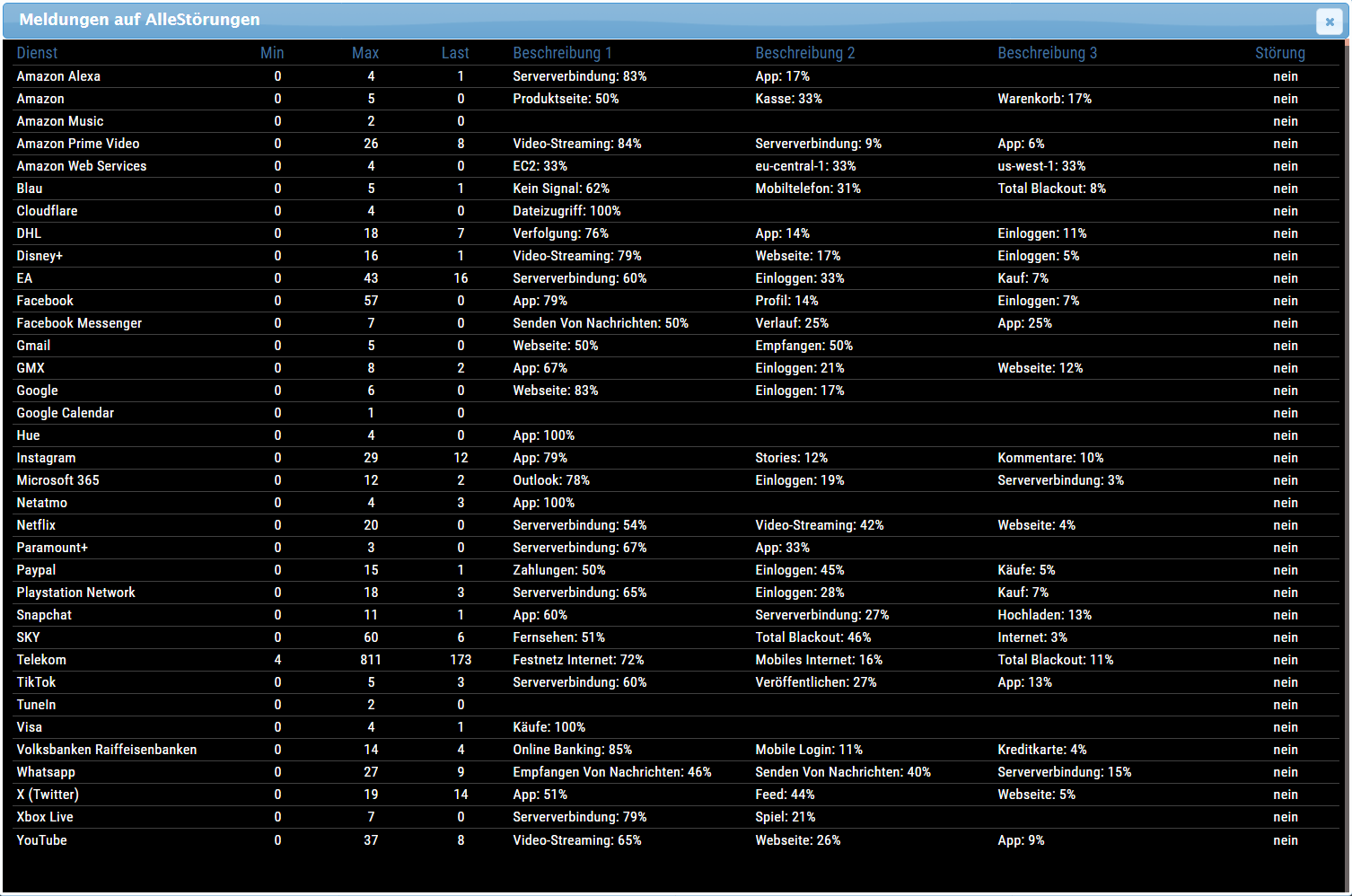
    Moin zusammen, ich nutze das Script auch seit einigen Jahren und lief immer problemlos. Doch neuerdings häufen sich Meldungen wegen gestörter Kommunikation, die dann aber auch gleich wieder gelöscht werden. Da ich so gar kein Programmierer bin, tue ich mich immer schwer sich wieder damit zu befassen. Wo kann ich diese Meldungen löschen, damit sie nicht aufpoppen? Auf Github ist V1.59, ich habe 1.86. Woher bekomm ich also das neuste wenn es was neueres gibt? Auf "Volume2" wollte ich aus Zeitgründen nicht gehen.
  • Alexa Quittierungston (Ping bzw. "Okay") killen

    5
    0 Votes
    5 Posts
    267 Views
    N
    @negalein oha das ist mal fies haha - ich versuche jetzt gerade nur noch das ducking zu deaktivieren - alexa reduziert leider 15 Sekunden lang die Lautstärke des Sonos Gerätes - nicht so schön
  • Sonoff Geräte als HTML Tabelle - Vis

    javascript monitoring template
    632
    4
    8 Votes
    632 Posts
    146k Views
    blue231181B
    @liv-in-sky Hat funktioniert, vielen Dank
  • Javascript für Textoverlay Hikvision Kamera

    1
    1
    0 Votes
    1 Posts
    206 Views
    No one has replied
  • Kamera Statusauswertung und Meldung an Homematic

    16
    0 Votes
    16 Posts
    434 Views
    M
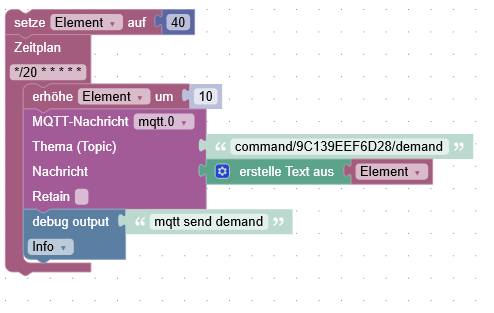
    @homoran ja das passt, danke ab dem 2. Element gibt es immer 3 führende Leerzeichen
  • [gelöst] OnLog liefert kein Wert

    9
    0 Votes
    9 Posts
    316 Views
    T
    @paul53 sagte in OnLog liefert kein Wert: @tt-tom sagte: In der Doku steht aber nur was von '*' ist disabeld In der Doku steht auch Important: you cannot output logs in handler with the same severity to avoid infinite loops. So funktioniert es: log(data.from, 'warn'); Okay, es funktioniert. ja wenn mann die Doku nicht komplett liest oder nur überfliegt.:confused:
  • [gelöst] delete und setObject führt zu keinem Ergebnis

    2
    0 Votes
    2 Posts
    131 Views
    Ben1983B
    @ben1983 Habe es heraus bekommen. Man muss hier den Wert zu null setzen, dann wird er gelöscht. const selectorLorawan = $(`state[id=lorawan.1.bbea74d6-1fc5-4238-af20-d2aecdbb4f8e.devices.70b3d52dd302759e.uplink.decoded.targetTemperatureFloat]`); const CustomInstanz = 'lorawan.1'; // Schedules beim Skriptstart erzeugen: selectorLorawan.each((id,i)=>{ deleteCommonCustom(id); }); function deleteCommonCustom(id) { const obj = getObject(id); obj.common.custom[CustomInstanz] = null; setObject(id,obj); }
  • Const richtig bei timestamp (toTimeString)

    18
    1
    0 Votes
    18 Posts
    877 Views
    T
    @oliverio ich glaube das Problem wird sein, das er die Tabelle nur erweitert. Um gestern, heute einzufügen, muss die Tabelle im Anschluß komplett überarbeitet werden. Sprich jedes Datum gegen das aktuelle geprüft werden.
  • Javascript für Zendure Hyper Steuerung

    5
    1
    0 Votes
    5 Posts
    398 Views
    L
    @intruder7 Du musst alles was mit const hyper2 = { name: 'Hyper2', inputLimitDP: 'zendure-solarflow.0.xxxxxx.yyyyyyyy.control.setInputLimit', inputDP: 'zendure-solarflow.0.xxxxxx.yyyyyyyy.gridInputPower', outputLimitDP: 'zendure-solarflow.0.xxxxxx.yyyyyyyy.control.setOutputLimit', outputDP: 'zendure-solarflow.0.xxxxxx.yyyyyyyy.outputHomePower', acModeDP: 'zendure-solarflow.0.xxxxxx.yyyyyyyy.control.acMode', pvLeistungDP: 'zendure-solarflow.0.xxxxxx.yyyyyyyy.solarInputPower', socDP: 'zendure-solarflow.0.xxxxxx.yyyyyyyy.electricLevel', }; zu tun hat rausschmeißen
  • Fritz!Box Daten auslesen, Gerätetraffic und Filter setzen

    Moved
    1
    0 Votes
    1 Posts
    210 Views
    No one has replied
  • Objekte dynamisch per typescript zu vis-View hinzufügen?

    1
    0 Votes
    1 Posts
    83 Views
    No one has replied
  • iobroker-typen einbinden für typescript

    14
    0 Votes
    14 Posts
    608 Views
    I
    @ticaki Ok, ich versuchs mal mit damit. Muss das erst mal durchschauen.
  • mqtt JSON in Datenpunkt schreiben

    6
    1
    0 Votes
    6 Posts
    301 Views
    F
    @paul53 Ich danke dir Paul ;-)
  • ABRP API

    7
    0 Votes
    7 Posts
    909 Views
    H
    @matis Nein, aber das Blockly oben läuft seit dem Post oben ohne Probleme durch.
  • Script im VIS Reiter „Skript“ anlegen

    2
    0 Votes
    2 Posts
    200 Views
    M
    @exmatador Geht nur bis V1.6.0 [image: 1755550749577-1e93a2f2-1631-4d5a-81c1-cf0975cf86e7-image.png] <div id="threejs" style="width:600px; height: 400px"></div> Skripte-Reiter (function loadThree(url, onload){ var s = document.createElement('script'); s.src = url; s.onload = onload; s.onerror = e => console.error('THREE laden fehlgeschlagen:', e); document.head.appendChild(s); })( 'https://cdn.jsdelivr.net/npm/three@0.160.0/build/three.min.js', // UMD-Build function init(){ console.log('THREE geladen:', typeof THREE); // sollte "object" loggen setTimeout(function(){ const container = document.getElementById('threejs'); if (!container) { console.error('Container #threejs fehlt!'); return; } const w = container.clientWidth, h = container.clientHeight; const scene = new THREE.Scene(); const camera = new THREE.PerspectiveCamera(75, w/h, 0.1, 1000); const renderer = new THREE.WebGLRenderer({ antialias:true }); renderer.setSize(w, h); container.appendChild(renderer.domElement); const cube = new THREE.Mesh( new THREE.BoxGeometry(), new THREE.MeshBasicMaterial({ color: 0x00ff00 }) ); scene.add(cube); camera.position.z = 5; (function animate(){ requestAnimationFrame(animate); cube.rotation.x += 0.01; cube.rotation.y += 0.01; renderer.render(scene, camera); })(); },300) } ); [image: 1755550806700-800fc1f6-a07b-4e38-8f2d-33c6ad527942-image.png] Hinweis: In neueren Three-Versionen liefern CDNs oft nur ESM (three.module.js), was in VIS nicht läuft (Unexpected token export).

701

Online

32.6k

Users

82.3k

Topics

1.3m

Posts