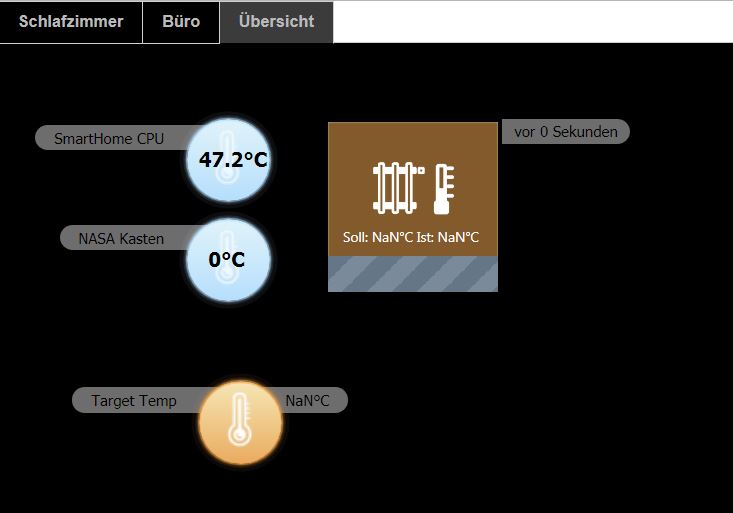
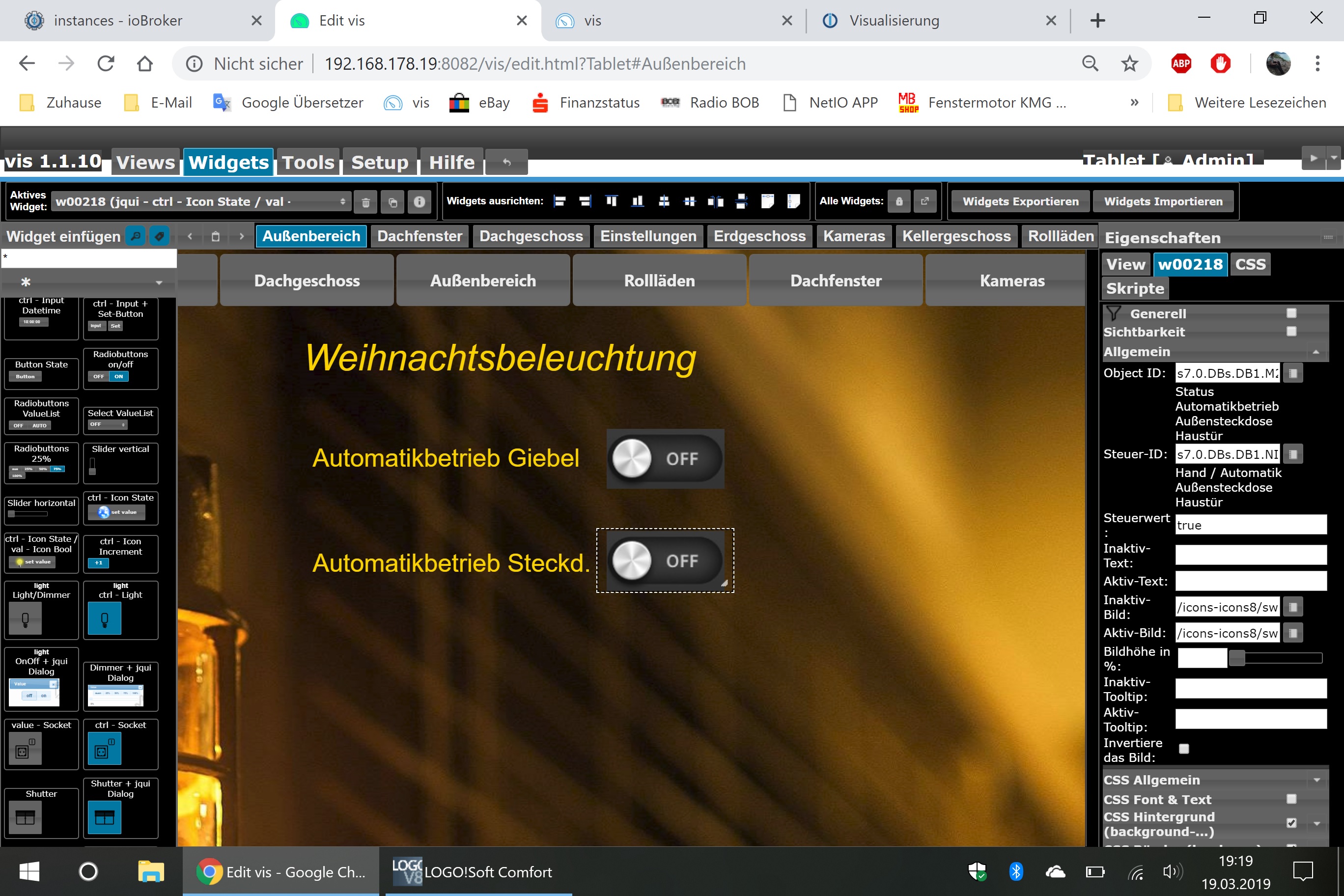
du musst immer einen refresh machen , damit die vis das aktuelle anzeigt
mit browser die F5 taste drücken
mit vis app - auf die drei punkte und Re-sync auswählen oder einen refresh button in die vis hinzufügen
für widget import ein refresh button:
Spoiler[{"tpl":"tplHtml","data":{"visibility-cond":"==","visibility-val":1,"refreshInterval":"0","html":"<A style="text-decoration: none;" HREF="javascript:history.go(0)"><font color="FFFFFF">Refresh</font></A>\n","views":["System"],"visibility-groups-action":"hide","signals-cond-0":"==","signals-val-0":true,"signals-icon-0":"/vis/signals/lowbattery.png","signals-icon-size-0":0,"signals-blink-0":false,"signals-horz-0":0,"signals-vert-0":0,"signals-hide-edit-0":false,"signals-cond-1":"==","signals-val-1":true,"signals-icon-1":"/vis/signals/lowbattery.png","signals-icon-size-1":0,"signals-blink-1":false,"signals-horz-1":0,"signals-vert-1":0,"signals-hide-edit-1":false,"signals-cond-2":"==","signals-val-2":true,"signals-icon-2":"/vis/signals/lowbattery.png","signals-icon-size-2":0,"signals-blink-2":false,"signals-horz-2":0,"signals-vert-2":0,"signals-hide-edit-2":false,"lc-type":"last-change","lc-is-interval":true,"lc-is-moment":false,"lc-format":"","lc-position-vert":"top","lc-position-horz":"right","lc-offset-vert":0,"lc-offset-horz":0,"lc-font-size":"12px","lc-font-family":"","lc-font-style":"","lc-bkg-color":"","lc-color":"","lc-border-width":"0","lc-border-style":"","lc-border-color":"","lc-border-radius":10,"lc-zindex":0},"style":{"left":"784px","top":"501px","color":"#ffffff","background":"linear-gradient(to top, #000000 2px, #5f85cf 60px )","background-color":"#f7bf50","text-align":"center","font-family":"Arial, Helvetica, sans-serif","font-style":"normal","width":"91px","height":"28px","font-variant":"normal","font-weight":"bold","font-size":"small","line-height":"2","border-width":"5px","border-style":"solid","border-color":"#2a2504","border-radius":"5px"},"widgetSet":"basic"}]