




Problem, nach Update läuft web.0 Adapter nicht mehr
-
Hallo Zusammen,
ich benötige euere Hilfe.
ich habe seit langem mal npm (8.15.0), node-js (v16.17.1), und js.controller geupdatet.
Es läuft auch soweit das meiste, allerdings die web.0 Instanz nicht, die ist allerings ja auch wichtig für Vis.2022-09-29 21:56:37.720 - info: host.raspberrypi "system.adapter.web.0" disabled 2022-09-29 21:56:50.398 - info: host.raspberrypi "system.adapter.web.0" enabled 2022-09-29 21:56:50.525 - info: host.raspberrypi instance system.adapter.web.0 started with pid 13698 2022-09-29 21:56:55.110 - info: web.0 (13698) starting. Version 2.4.10 in /opt/iobroker/node_modules/iobroker.web, node: v16.17.1, js-controller: 4.0.23 2022-09-29 21:56:55.208 - error: web.0 (13698) uncaught exception: Cannot read properties of undefined (reading 'getObjectView') 2022-09-29 21:56:55.211 - error: web.0 (13698) TypeError: Cannot read properties of undefined (reading 'getObjectView') at getExtensionsAndSettings (/opt/iobroker/node_modules/iobroker.web/main.js:264:21) at main (/opt/iobroker/node_modules/iobroker.web/main.js:297:5) at Immediate. (/opt/iobroker/node_modules/iobroker.web/main.js:192:25) at processImmediate (node:internal/timers:468:21) 2022-09-29 21:56:55.212 - error: web.0 (13698) Cannot read properties of undefined (reading 'getObjectView') 2022-09-29 21:56:55.225 - info: web.0 (13698) terminating 2022-09-29 21:56:55.228 - warn: web.0 (13698) Terminated (UNCAUGHT_EXCEPTION): Without reason 2022-09-29 21:56:55.859 - error: host.raspberrypi instance system.adapter.web.0 terminated with code 6 (UNCAUGHT_EXCEPTION) -
Hallo Zusammen,
ich benötige euere Hilfe.
ich habe seit langem mal npm (8.15.0), node-js (v16.17.1), und js.controller geupdatet.
Es läuft auch soweit das meiste, allerdings die web.0 Instanz nicht, die ist allerings ja auch wichtig für Vis.2022-09-29 21:56:37.720 - info: host.raspberrypi "system.adapter.web.0" disabled 2022-09-29 21:56:50.398 - info: host.raspberrypi "system.adapter.web.0" enabled 2022-09-29 21:56:50.525 - info: host.raspberrypi instance system.adapter.web.0 started with pid 13698 2022-09-29 21:56:55.110 - info: web.0 (13698) starting. Version 2.4.10 in /opt/iobroker/node_modules/iobroker.web, node: v16.17.1, js-controller: 4.0.23 2022-09-29 21:56:55.208 - error: web.0 (13698) uncaught exception: Cannot read properties of undefined (reading 'getObjectView') 2022-09-29 21:56:55.211 - error: web.0 (13698) TypeError: Cannot read properties of undefined (reading 'getObjectView') at getExtensionsAndSettings (/opt/iobroker/node_modules/iobroker.web/main.js:264:21) at main (/opt/iobroker/node_modules/iobroker.web/main.js:297:5) at Immediate. (/opt/iobroker/node_modules/iobroker.web/main.js:192:25) at processImmediate (node:internal/timers:468:21) 2022-09-29 21:56:55.212 - error: web.0 (13698) Cannot read properties of undefined (reading 'getObjectView') 2022-09-29 21:56:55.225 - info: web.0 (13698) terminating 2022-09-29 21:56:55.228 - warn: web.0 (13698) Terminated (UNCAUGHT_EXCEPTION): Without reason 2022-09-29 21:56:55.859 - error: host.raspberrypi instance system.adapter.web.0 terminated with code 6 (UNCAUGHT_EXCEPTION)ein kleine Update: web.0 läuft jetzt, habe noch Einmal ein gesamtes Update aller Adapter gemacht.
Nun komme ich allerdings nicht mehr auf die Visualisierung:
Es kommt nur loading values, auch die Start-Vis kann nicht geöffnet werden
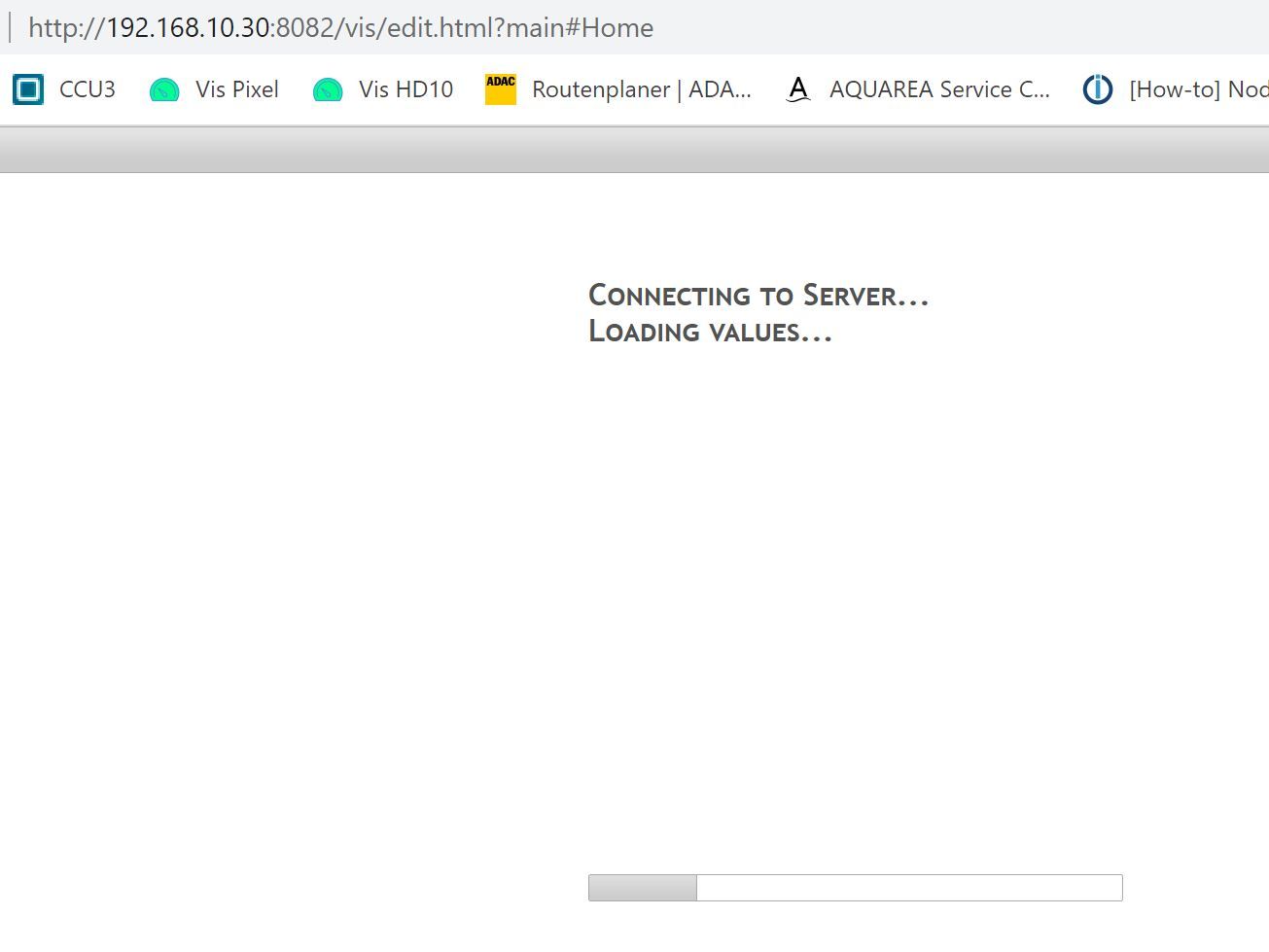
-
ein kleine Update: web.0 läuft jetzt, habe noch Einmal ein gesamtes Update aller Adapter gemacht.
Nun komme ich allerdings nicht mehr auf die Visualisierung:
Es kommt nur loading values, auch die Start-Vis kann nicht geöffnet werden
@jofeh88 sagte in Problem, nach Update läuft web.0 Adapter nicht mehr:
Es kommt nur loading values,
Hole dein Projekt aus einem Backup ... siehe hier :
https://forum.iobroker.net/topic/58056/gelöst-vis-projekt-lädt-nicht-mehr
-
@jofeh88 sagte in Problem, nach Update läuft web.0 Adapter nicht mehr:
Es kommt nur loading values,
Hole dein Projekt aus einem Backup ... siehe hier :
https://forum.iobroker.net/topic/58056/gelöst-vis-projekt-lädt-nicht-mehr
Leider habe ich nur ein sehr altes Backup und ich komme auch nicht in das Start-Projekt.
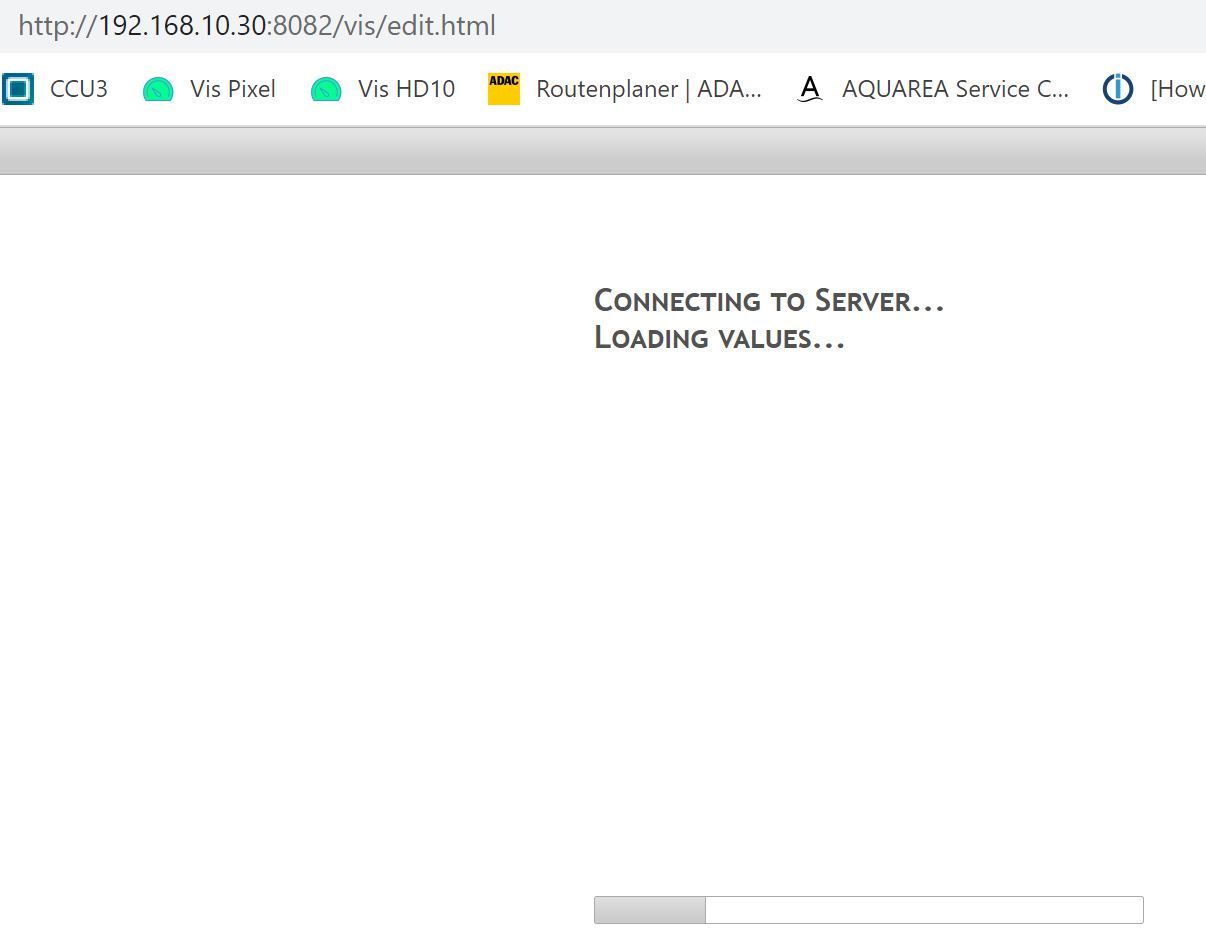
Ich hoffe man kann die Visualisierung irgendwie retten, liegt die nicht irgendwo auf der SD-Karte (sorry kein Fachmann)
-
Leider habe ich nur ein sehr altes Backup und ich komme auch nicht in das Start-Projekt.
Ich hoffe man kann die Visualisierung irgendwie retten, liegt die nicht irgendwo auf der SD-Karte (sorry kein Fachmann)
Vielleicht hilft diese Info noch aus der Console:
jquery-ui-timepicker-addon-1.6.3.css:1 Failed to load resource: the server responded with a status of 404 (Not Found) jquery-ui-timepicker-addon-1.6.3.js:1 Failed to load resource: the server responded with a status of 404 (Not Found) fritzdect.js:46 Version fritzdect: 0.0.2 info.js:21 Version Info-Adapter-Widget: 0.0.9 edit.html:4522 Version vis-jqui-mfd: 1.0.12 edit.html:9368 Metro version: "1.2.0" edit.html:15597 Version vis-weather: 2.5.6 edit.html:410 Uncaught (in promise) SyntaxError: Expected double-quoted property name in JSON at position 247559 at JSON.parse (<anonymous>) at getTranslation (info.js:13:47) conn.js:273 2022-09-30T08:55:56.644Z Connected => authenticate conn.js:293 2022-09-30T08:55:57.176Z Authenticated: true jquery-ui-timepicker-addon-1.6.3.css:1 Failed to load resource: the server responded with a status of 404 (Not Found) DevTools failed to load source map: Could not load content for http://192.168.10.30:8082/lib/js/socket.io.js.map: HTTP error: status code 404, net::ERR_HTTP_RESPONSE_CODE_FAILURE -
ein kleine Update: web.0 läuft jetzt, habe noch Einmal ein gesamtes Update aller Adapter gemacht.
Nun komme ich allerdings nicht mehr auf die Visualisierung:
Es kommt nur loading values, auch die Start-Vis kann nicht geöffnet werden
@jofeh88 sagte in Problem, nach Update läuft web.0 Adapter nicht mehr:
ein gesamtes Update aller Adapter gemacht
ein update oder upload?
irgendwas stimmt mit deinem jquery-ui-timepicker-addon nicht
iobroker upload allmal probieren
-
@jofeh88 sagte in Problem, nach Update läuft web.0 Adapter nicht mehr:
ein gesamtes Update aller Adapter gemacht
ein update oder upload?
irgendwas stimmt mit deinem jquery-ui-timepicker-addon nicht
iobroker upload allmal probieren
Vielen Dank, die Vis ist wieder erreichbar, es fehlen nur ein paar Icons aber die füge ich wieder händisch ein.
Aber jetzt lassen keine Adapter mehr installieren, hier ein Beispiel Backitup, damit mir das nicht mehr passiert :-)
Hier die Systemdaten:
pi@raspberrypi:/opt/iobroker $ uname -m && type -P nodejs node npm && nodejs -v && node -v && npm -v && iob -v && whoami && groups && pwd && sudo apt update &> /dev/null && sudo apt update && apt policy nodejs
armv7l
/usr/bin/nodejs
/usr/bin/node
/usr/bin/npm
v16.17.1
v16.17.1
8.15.0
4.0.23
pi
pi adm dialout cdrom sudo audio video plugdev games users input netdev gpio i2c spi iobroker
/opt/iobroker
OK:1 http://raspbian.raspberrypi.org/raspbian buster InRelease
OK:2 http://archive.raspberrypi.org/debian buster InRelease
OK:3 https://deb.nodesource.com/node_16.x buster InRelease
Paketlisten werden gelesen... Fertig
Abhängigkeitsbaum wird aufgebaut.
Statusinformationen werden eingelesen.... Fertig
Alle Pakete sind aktuell.
nodejs:
  Installiert:           16.17.1-deb-1nodesource1
  Installationskandidat: 16.17.1-deb-1nodesource1
  Versionstabelle:
 *** 16.17.1-deb-1nodesource1 500
        500 https://deb.nodesource.com/node_16.x buster/main armhf Packages
        100 /var/lib/dpkg/status
     10.24.0~dfsg-1~deb10u1 500
        500 http://raspbian.raspberrypi.org/raspbian buster/main armhf Packages
Und hier der Debug bei der Installation
pi@raspberrypi:/opt/iobroker $ iobroker add backitup --debug NPM version: 8.15.0 Installing iobroker.backitup@2.4.12... (System call) npm ERR! code ENOTEMPTY npm ERR! syscall rename npm ERR! path /opt/iobroker/node_modules/jsonwebtoken/node_modules/ms npm ERR! dest /opt/iobroker/node_modules/jsonwebtoken/node_modules/.ms-oreSIGgs npm ERR! errno -39 npm ERR! ENOTEMPTY: directory not empty, rename '/opt/iobroker/node_modules/jsonwebtoken/node_modules/ms' -> '/opt/iobroker/node_modules/jsonwebtoken/node_modules/.ms-oreSIGgs' npm ERR! A complete log of this run can be found in: npm ERR! /home/iobroker/.npm/_logs/2022-10-04T20_06_12_683Z-debug-0.log host.raspberrypi Cannot install iobroker.backitup@2.4.12: 217 -
Vielen Dank, die Vis ist wieder erreichbar, es fehlen nur ein paar Icons aber die füge ich wieder händisch ein.
Aber jetzt lassen keine Adapter mehr installieren, hier ein Beispiel Backitup, damit mir das nicht mehr passiert :-)
Hier die Systemdaten:
pi@raspberrypi:/opt/iobroker $ uname -m && type -P nodejs node npm && nodejs -v && node -v && npm -v && iob -v && whoami && groups && pwd && sudo apt update &> /dev/null && sudo apt update && apt policy nodejs
armv7l
/usr/bin/nodejs
/usr/bin/node
/usr/bin/npm
v16.17.1
v16.17.1
8.15.0
4.0.23
pi
pi adm dialout cdrom sudo audio video plugdev games users input netdev gpio i2c spi iobroker
/opt/iobroker
OK:1 http://raspbian.raspberrypi.org/raspbian buster InRelease
OK:2 http://archive.raspberrypi.org/debian buster InRelease
OK:3 https://deb.nodesource.com/node_16.x buster InRelease
Paketlisten werden gelesen... Fertig
Abhängigkeitsbaum wird aufgebaut.
Statusinformationen werden eingelesen.... Fertig
Alle Pakete sind aktuell.
nodejs:
  Installiert:           16.17.1-deb-1nodesource1
  Installationskandidat: 16.17.1-deb-1nodesource1
  Versionstabelle:
 *** 16.17.1-deb-1nodesource1 500
        500 https://deb.nodesource.com/node_16.x buster/main armhf Packages
        100 /var/lib/dpkg/status
     10.24.0~dfsg-1~deb10u1 500
        500 http://raspbian.raspberrypi.org/raspbian buster/main armhf Packages
Und hier der Debug bei der Installation
pi@raspberrypi:/opt/iobroker $ iobroker add backitup --debug NPM version: 8.15.0 Installing iobroker.backitup@2.4.12... (System call) npm ERR! code ENOTEMPTY npm ERR! syscall rename npm ERR! path /opt/iobroker/node_modules/jsonwebtoken/node_modules/ms npm ERR! dest /opt/iobroker/node_modules/jsonwebtoken/node_modules/.ms-oreSIGgs npm ERR! errno -39 npm ERR! ENOTEMPTY: directory not empty, rename '/opt/iobroker/node_modules/jsonwebtoken/node_modules/ms' -> '/opt/iobroker/node_modules/jsonwebtoken/node_modules/.ms-oreSIGgs' npm ERR! A complete log of this run can be found in: npm ERR! /home/iobroker/.npm/_logs/2022-10-04T20_06_12_683Z-debug-0.log host.raspberrypi Cannot install iobroker.backitup@2.4.12: 217@jofeh88 sagte in Problem, nach Update läuft web.0 Adapter nicht mehr:
ERR! ENOTEMPTY: directory not empty,
Dazu gibt es einen extra Thread, hab ihn nur gerade nicht zur Hand
umgestiegen von Proxmox auf Unraid
-
@jofeh88 sagte in Problem, nach Update läuft web.0 Adapter nicht mehr:
ERR! ENOTEMPTY: directory not empty,
Dazu gibt es einen extra Thread, hab ihn nur gerade nicht zur Hand
@crunchip sagte in Problem, nach Update läuft web.0 Adapter nicht mehr:
@jofeh88 sagte in Problem, nach Update läuft web.0 Adapter nicht mehr:
ERR! ENOTEMPTY: directory not empty,
Dazu gibt es einen extra Thread, hab ihn nur gerade nicht zur Hand
das ist der oben angepinnte Thread zu ERROR 25
kein Support per PN! - Fragen im Forum stellen - Benutzt das Voting rechts unten im Beitrag wenn er euch geholfen hat.
Das Forum freut sich über eine Spende. Benutzt dazu den Spendenbutton oben rechts. Danke!
der Installationsfixer: curl -fsL https://iobroker.net/fix.sh | bash - -
@crunchip sagte in Problem, nach Update läuft web.0 Adapter nicht mehr:
@jofeh88 sagte in Problem, nach Update läuft web.0 Adapter nicht mehr:
ERR! ENOTEMPTY: directory not empty,
Dazu gibt es einen extra Thread, hab ihn nur gerade nicht zur Hand
das ist der oben angepinnte Thread zu ERROR 25
@homoran 🤣 stimmt, dem hab ich gar keine Beachtung geschenkt


Hey! Du scheinst an dieser Unterhaltung interessiert zu sein, hast aber noch kein Konto.
Hast du es satt, bei jedem Besuch durch die gleichen Beiträge zu scrollen? Wenn du dich für ein Konto anmeldest, kommst du immer genau dorthin zurück, wo du zuvor warst, und kannst dich über neue Antworten benachrichtigen lassen (entweder per E-Mail oder Push-Benachrichtigung). Du kannst auch Lesezeichen speichern und Beiträge positiv bewerten, um anderen Community-Mitgliedern deine Wertschätzung zu zeigen.
Mit deinem Input könnte dieser Beitrag noch besser werden 💗
Registrieren Anmelden454
Online33.0k
Benutzer83.5k
Themen1.3m
Beiträge