Skip to content
  • Home
  • Recent
  • Tags
  • 0 Unread 0
  • Categories
  • Unreplied
  • Popular
  • GitHub
  • Docu
  • Hilfe
Skins
  • Light
  • Brite
  • Cerulean
  • Cosmo
  • Flatly
  • Journal
  • Litera
  • Lumen
  • Lux
  • Materia
  • Minty
  • Morph
  • Pulse
  • Sandstone
  • Simplex
  • Sketchy
  • Spacelab
  • United
  • Yeti
  • Zephyr
  • Dark
  • Cyborg
  • Darkly
  • Quartz
  • Slate
  • Solar
  • Superhero
  • Vapor

  • Default (No Skin)
  • No Skin
Collapse
ioBroker Logo

Community Forum

donate donate
  1. ioBroker Community Home
  2. Deutsch
  3. ioBroker Allgemein
  4. [HowTo] ioBroker Restore unter Linux durchführen
NEWS

  • Jahresrückblick 2025 – unser neuer Blogbeitrag ist online! ✨
    BluefoxB
    Bluefox
    17
    1
    2.0k

  • Neuer Blogbeitrag: Monatsrückblick - Dezember 2025 🎄
    BluefoxB
    Bluefox
    13
    1
    925

  • Weihnachtsangebot 2025! 🎄
    BluefoxB
    Bluefox
    25
    1
    2.2k

[HowTo] ioBroker Restore unter Linux durchführen
Scheduled Pinned Locked Moved ioBroker Allgemein
restorerestore backupbackituphow-to
513 Posts 76 Posters 143.8k Views 71 Watching
  • Oldest to Newest
  • Newest to Oldest
  • Most Votes
Reply
  • Reply as topic
Log in to reply
This topic has been deleted. Only users with topic management privileges can see it.
  • J JB72

    Hallo, ich habe die Anleitung befolgt und scheitere trotzdem :face_with_head_bandage:

    Ausgangslage: Homerserver 2012 R2 Essentials hier ist ioBroker installiert. Eigentlich nur zum Ausprobieren, aber
    mittlerweile ist da schon einiges passiert was ich nicht verlieren will.

    Nun wollte ich testen wie es ist nun von Windows nach Linux umzuziehen, habe ich mir auf einem alten Barbone
    Proxmox installiert um dem Umzug zu testen. Installiert ist die aktuelle Debian in Version 10.x. IoBorker ist installiert
    grob eingerichtet und sofort Backitup installiert.

    Einmal ein kleines Backup gestartet auf dem Linux: klappt, dann peer FileZilla von meinem Windows Server
    die Sicherung auf das Debian System zu kopiert ... soweit alles kein Problem.

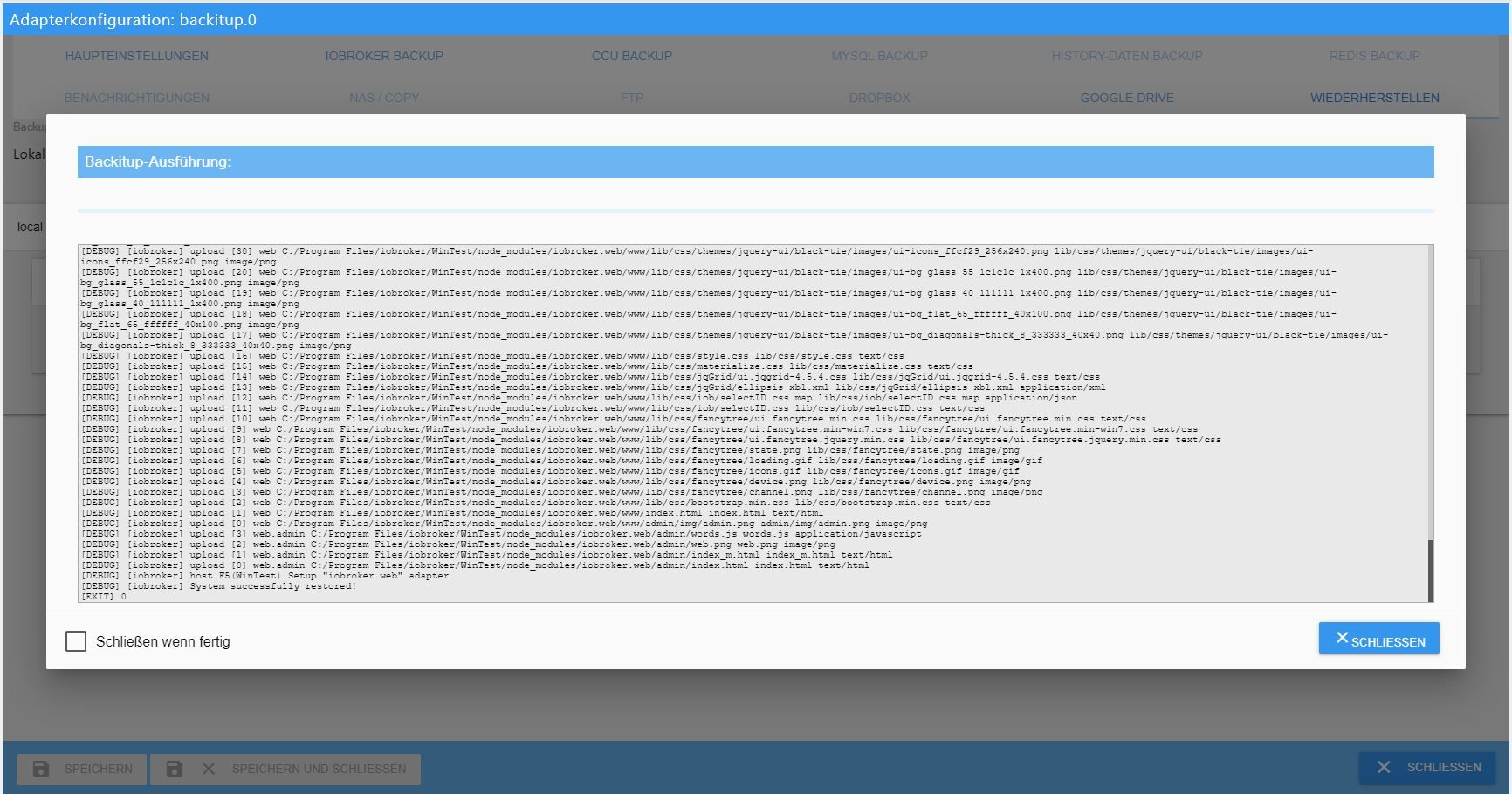
    Nun wähle ich das Backup aus auf dem Linux und lasse es machen. Am Ende bekomme ich die Meldung fertig
    und ich schließe das Log Fenster.

    IoBroker startet nicht mehr. Ja ich habe gelesen das man eine Zeit warten muss, aber das ist schon Stunden her.
    So langsam ist der alte Rechner mit SSD nun auch auch nicht. Wenn ich nachschaue in der Konsole ist ioBroker
    gestartet, aber per Aufruf im Browser nur eine Fehler Meldung.

    Ich habe das nun 3 mal probiert (frisch installiert und wieder ausprobiert) es scheitert immer wieder. So das
    ich mur nun frage: Gibt es was speziellen zu beachten wenn man von Windows (Homerserver 2012 R2 Essentials)
    nach Linux mit ioBroker umziehen will?

    Grüße
    JB

    simatecS Offline
    simatecS Offline
    simatec
    Developer Most Active
    wrote on last edited by simatec
    #98

    @JB72

    stoppe mal iobroker mit

    iobroker stop
    

    und führe im Anschluss folgenden Befehl aus ...

    iobroker host this
    iobroker start
    

    danach sollte iobroker auch auf dem neuen System erreichbar sein.

    • Besuche meine Github Seite
    • Beitrag hat geholfen oder willst du mich unterstützen
    • HowTo Restore ioBroker
    J 1 Reply Last reply
    0
    • simatecS simatec

      @JB72

      stoppe mal iobroker mit

      iobroker stop
      

      und führe im Anschluss folgenden Befehl aus ...

      iobroker host this
      iobroker start
      

      danach sollte iobroker auch auf dem neuen System erreichbar sein.

      J Offline
      J Offline
      JB72
      wrote on last edited by
      #99

      @simatec

      Ah ok, ich sehe er ändert dann den Systemnamen. IoBroker gestartet, aber Webseite: Fehlanzeige.

      Ich springe noch mal zurück und mache alles von vorne, dann spiele ich das Backup wieder ein und werde
      bevor ich den ioBroker starte noch mal deinen Tipp befolgen.

      apollon77A simatecS 2 Replies Last reply
      0
      • J JB72

        @simatec

        Ah ok, ich sehe er ändert dann den Systemnamen. IoBroker gestartet, aber Webseite: Fehlanzeige.

        Ich springe noch mal zurück und mache alles von vorne, dann spiele ich das Backup wieder ein und werde
        bevor ich den ioBroker starte noch mal deinen Tipp befolgen.

        apollon77A Offline
        apollon77A Offline
        apollon77
        wrote on last edited by
        #100

        @JB72 Was steht denn im Logfile?

        Beitrag hat geholfen? Votet rechts unten im Beitrag :-) https://paypal.me/Apollon77 / https://github.com/sponsors/Apollon77

        • Debug-Log für Instanz einschalten? Admin -> Instanzen -> Expertenmodus -> Instanz aufklappen - Loglevel ändern
        • Logfiles auf Platte /opt/iobroker/log/… nutzen, Admin schneidet Zeilen ab
        1 Reply Last reply
        0
        • J JB72

          @simatec

          Ah ok, ich sehe er ändert dann den Systemnamen. IoBroker gestartet, aber Webseite: Fehlanzeige.

          Ich springe noch mal zurück und mache alles von vorne, dann spiele ich das Backup wieder ein und werde
          bevor ich den ioBroker starte noch mal deinen Tipp befolgen.

          simatecS Offline
          simatecS Offline
          simatec
          Developer Most Active
          wrote on last edited by
          #101

          @JB72
          Was gibt folgender befahl aus

          iobroker list instances
          
          • Besuche meine Github Seite
          • Beitrag hat geholfen oder willst du mich unterstützen
          • HowTo Restore ioBroker
          J 1 Reply Last reply
          0
          • simatecS simatec

            @JB72
            Was gibt folgender befahl aus

            iobroker list instances
            
            J Offline
            J Offline
            JB72
            wrote on last edited by JB72
            #102

            @simatec said in [HowTo] ioBroker Restore unter Linux durchführen:

            iobroker list instances

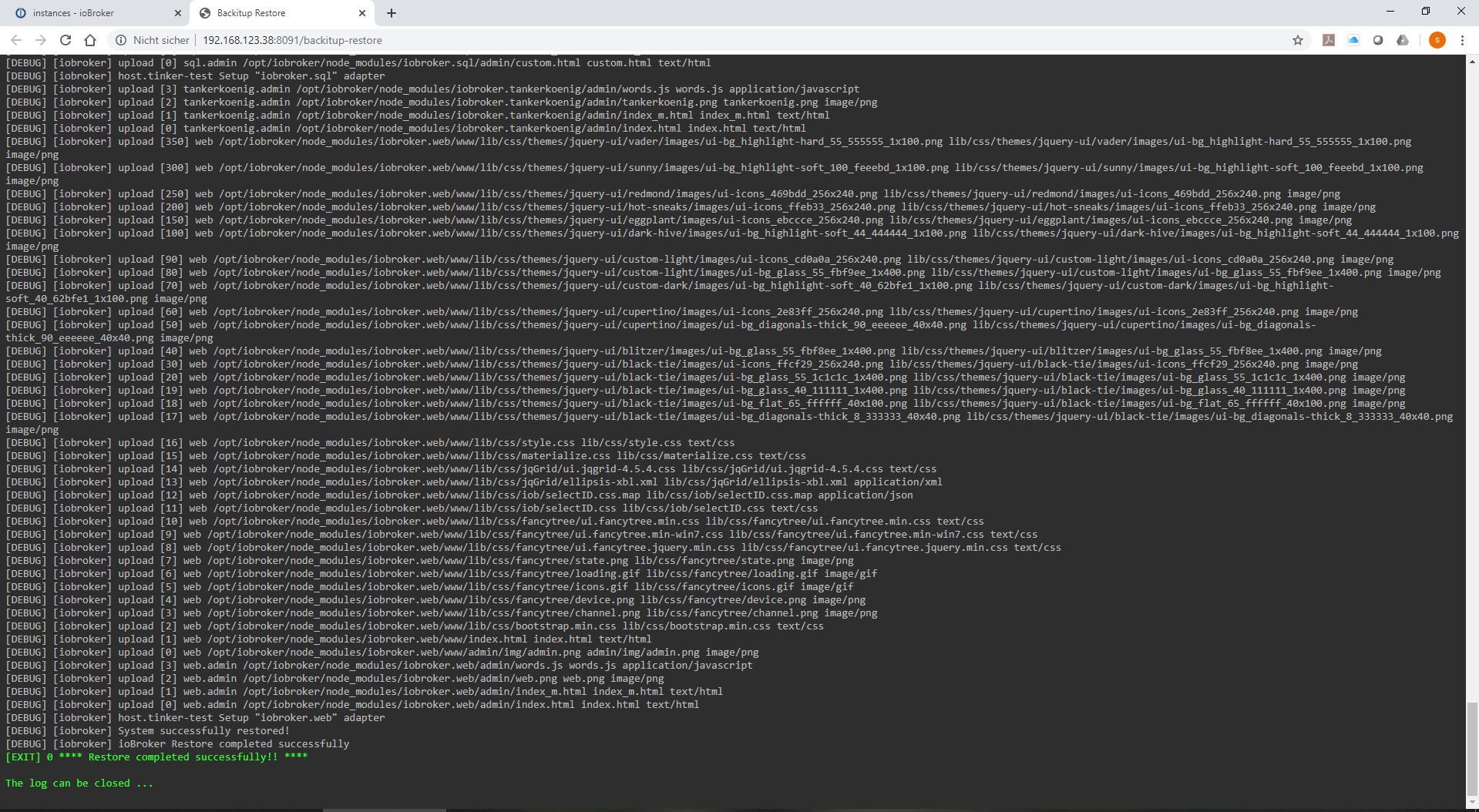
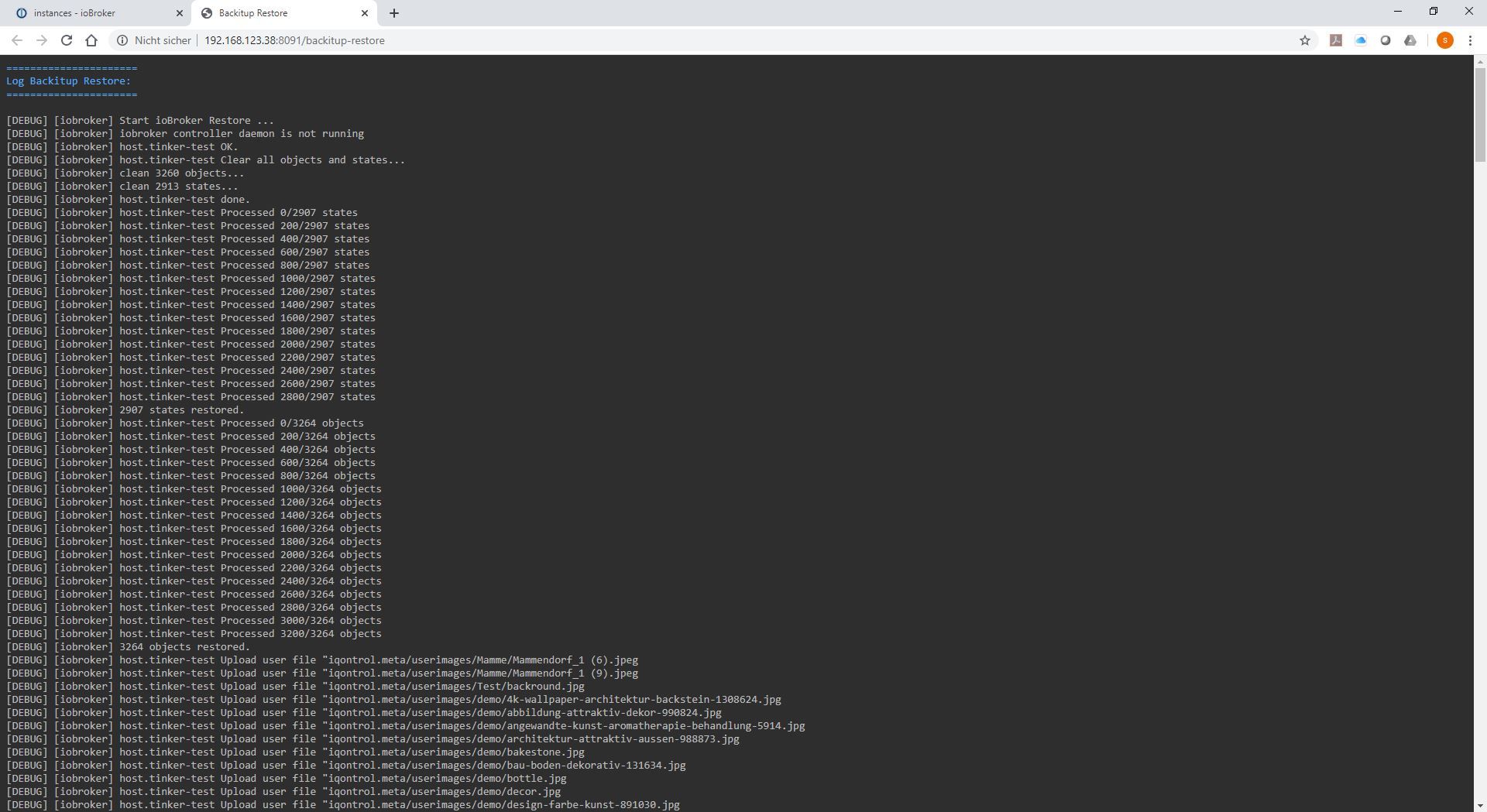
            Sorry, bin wieder zurück gesprungen. Dafür aber was entdeckt im Log, wenn ich das Backup einspiele da kommten folgende
            Meldungen:

            [ERROR] [iobroker] [Not critical] Cannot delete object 0_userdata.0: "Object is marked as non deletable"
            [ERROR] [iobroker] [Not critical] Cannot delete object alias.0: "Object is marked as non deletable"
            [ERROR] [iobroker] [Not critical] Cannot delete object system.repositories: "Object is marked as non deletable"
            [ERROR] [iobroker] [Not critical] Cannot delete object system.config: "Object is marked as non deletable"
            [ERROR] [iobroker] [Not critical] Cannot delete object enum.functions: "Object is marked as non deletable"
            [ERROR] [iobroker] [Not critical] Cannot delete object enum.rooms: "Object is marked as non deletable"

            Ist das schon der erste Hinweis das was nicht stimmt?

            Am Ende kommt trotzdem:

            [DEBUG] [iobroker] System successfully restored!
            [DEBUG] [iobroker] ioBroker Restore completed successfully
            [EXIT] 0 **** Restore completed successfully!! ****

            The log can be closed ...

            simatecS apollon77A 2 Replies Last reply
            0
            • J JB72

              @simatec said in [HowTo] ioBroker Restore unter Linux durchführen:

              iobroker list instances

              Sorry, bin wieder zurück gesprungen. Dafür aber was entdeckt im Log, wenn ich das Backup einspiele da kommten folgende
              Meldungen:

              [ERROR] [iobroker] [Not critical] Cannot delete object 0_userdata.0: "Object is marked as non deletable"
              [ERROR] [iobroker] [Not critical] Cannot delete object alias.0: "Object is marked as non deletable"
              [ERROR] [iobroker] [Not critical] Cannot delete object system.repositories: "Object is marked as non deletable"
              [ERROR] [iobroker] [Not critical] Cannot delete object system.config: "Object is marked as non deletable"
              [ERROR] [iobroker] [Not critical] Cannot delete object enum.functions: "Object is marked as non deletable"
              [ERROR] [iobroker] [Not critical] Cannot delete object enum.rooms: "Object is marked as non deletable"

              Ist das schon der erste Hinweis das was nicht stimmt?

              Am Ende kommt trotzdem:

              [DEBUG] [iobroker] System successfully restored!
              [DEBUG] [iobroker] ioBroker Restore completed successfully
              [EXIT] 0 **** Restore completed successfully!! ****

              The log can be closed ...

              simatecS Offline
              simatecS Offline
              simatec
              Developer Most Active
              wrote on last edited by
              #103

              @JB72
              Die errors kann man ignorieren ...

              • Besuche meine Github Seite
              • Beitrag hat geholfen oder willst du mich unterstützen
              • HowTo Restore ioBroker
              J 1 Reply Last reply
              0
              • J JB72

                @simatec said in [HowTo] ioBroker Restore unter Linux durchführen:

                iobroker list instances

                Sorry, bin wieder zurück gesprungen. Dafür aber was entdeckt im Log, wenn ich das Backup einspiele da kommten folgende
                Meldungen:

                [ERROR] [iobroker] [Not critical] Cannot delete object 0_userdata.0: "Object is marked as non deletable"
                [ERROR] [iobroker] [Not critical] Cannot delete object alias.0: "Object is marked as non deletable"
                [ERROR] [iobroker] [Not critical] Cannot delete object system.repositories: "Object is marked as non deletable"
                [ERROR] [iobroker] [Not critical] Cannot delete object system.config: "Object is marked as non deletable"
                [ERROR] [iobroker] [Not critical] Cannot delete object enum.functions: "Object is marked as non deletable"
                [ERROR] [iobroker] [Not critical] Cannot delete object enum.rooms: "Object is marked as non deletable"

                Ist das schon der erste Hinweis das was nicht stimmt?

                Am Ende kommt trotzdem:

                [DEBUG] [iobroker] System successfully restored!
                [DEBUG] [iobroker] ioBroker Restore completed successfully
                [EXIT] 0 **** Restore completed successfully!! ****

                The log can be closed ...

                apollon77A Offline
                apollon77A Offline
                apollon77
                wrote on last edited by
                #104

                @JB72 Korre.t Der Backup-Prozess leert die DB - einige Objekte sind aber als "Darf man nicht löschen "geflaggt und das gibt die Meldungen. Das ist ok weil die vom Backup überschrieben werden.

                Beitrag hat geholfen? Votet rechts unten im Beitrag :-) https://paypal.me/Apollon77 / https://github.com/sponsors/Apollon77

                • Debug-Log für Instanz einschalten? Admin -> Instanzen -> Expertenmodus -> Instanz aufklappen - Loglevel ändern
                • Logfiles auf Platte /opt/iobroker/log/… nutzen, Admin schneidet Zeilen ab
                1 Reply Last reply
                0
                • simatecS simatec

                  @JB72
                  Die errors kann man ignorieren ...

                  J Offline
                  J Offline
                  JB72
                  wrote on last edited by
                  #105

                  @simatec

                  system.adapter.admin.0 : admin - enabled, port: 8081, bind: 0.0.0.0, run as: admin
                  system.adapter.alexa2.0 : alexa2 - disabled
                  system.adapter.backitup.0 : backitup - enabled
                  system.adapter.cloud.0 : cloud - disabled
                  system.adapter.daswetter.0 : daswetter - disabled
                  system.adapter.discovery.0 : discovery - disabled
                  system.adapter.dwd.0 : dwd - disabled
                  system.adapter.firetv.0 : firetv - disabled
                  system.adapter.hm-rpc.0 : hm-rpc - disabled, port: 0
                  system.adapter.icons-icons8.0 : icons-icons8 - disabled
                  system.adapter.icons-material-png.0 : icons-material-png - disabled
                  system.adapter.icons-mfd-png.0 : icons-mfd-png - disabled
                  system.adapter.info.0 : info - disabled
                  system.adapter.javascript.0 : javascript - disabled
                  system.adapter.javascript.1 : javascript - disabled
                  system.adapter.material.0 : material - disabled
                  system.adapter.shelly.0 : shelly - disabled, port: 1882, bind: 0.0.0.0
                  system.adapter.vis-bars.0 : vis-bars - disabled
                  system.adapter.vis-hqwidgets.0 : vis-hqwidgets - disabled
                  system.adapter.vis-material-webfont.0 : vis-material-webfont - disabled
                  system.adapter.vis-materialdesign.0 : vis-materialdesign - disabled
                  system.adapter.vis-timeandweather.0 : vis-timeandweather - disabled
                  system.adapter.vis-weather.0 : vis-weather - disabled
                  system.adapter.vis.0 : vis - disabled
                  system.adapter.weatherunderground.0 : weatherunderground - disabled
                  system.adapter.web.0 : web - disabled, port: 8082, bind: 0.0.0.0, run as: admin

                  • instance is alive
                  1 Reply Last reply
                  0
                  • J Offline
                    J Offline
                    JB72
                    wrote on last edited by JB72
                    #106

                    Nach dem Backup mit

                    iobroker stop
                    iobroker host this
                    iobroker start

                    Kann ich nun wieder die ioBroker Webseite aufrufen. Das war vorher nicht so. Jetzt sind fast alle Adapter rot. Aber ich sehe im Log das er sich Daten holt,
                    aktuell :

                    host.ProvBroker 2020-02-19 14:53:33.852 info iobroker npm-install: upload [1700] icons-icons8 /opt/iobroker/node_modules/iobroker.icons-icons8/www/objects/orange/Baby Bottle.png objects/orange/Baby Bottle.png image/png
                    host.ProvBroker 2020-02-19 14:53:29.293 info iobroker npm-install: upload [1750] icons-icons8 /opt/iobroker/node_modules/iobroker.icons-icons8/www/objects/orange/Engine.png objects/orange/Engine.png image/png
                    host.ProvBroker 2020-02-19 14:53:24.958 info iobroker npm-install: upload [1800] icons-icons8 /opt/iobroker/node_modules/iobroker.icons-icons8/www/objects/orange/Post Office.png objects/orange/Post Office.png image/png
                    host.ProvBroker 2020-02-19 14:53:20.438 info iobroker npm-install: upload [1850] icons-icons8 /opt/iobroker/node_modules/iobroker.icons-icons8/www/objects/orange/Video Projector.png objects/orange/Video Projector.png image/png
                    host.ProvBroker 2020-02-19 14:53:16.170 info iobroker npm-install: upload [1900] icons-icons8 /opt/iobroker/node_modules/iobroker.icons-icons8/www/objects/red/Cooking Pot.png objects/red/Cooking Pot.png image/png
                    host.ProvBroker 2020-02-19 14:53:11.745 info iobroker npm-install: upload [1950] icons-icons8 /opt/iobroker/node_modules/iobroker.icons-icons8/www/objects/red/Kitchenwares.png objects/red/Kitchenwares.png image/png
                    host.ProvBroker 2020-02-19 14:53:07.242 info iobroker npm-install: upload [2000] icons-icons8 /opt/iobroker/node_modules/iobroker.icons-icons8/www/objects/red/Syringe.png objects/red/Syringe.png image/png

                    Ich denke das ich jetzt einfach nur warten brauche bis alles wieder "grün" bei den Adaptern ist, korrekt?

                    Weitere Frage: in den Backup Datei kann ich bei einigen Adaptern IP-Adresse des alten Systems sehen. Wäre es hilfreich bei solch einem Umzug wo man die neue IP ja schon kennt, einfach die IP alt gegen neu tauschen oder wäre das nicht ok ?

                    simatecS 1 Reply Last reply
                    0
                    • J JB72

                      Nach dem Backup mit

                      iobroker stop
                      iobroker host this
                      iobroker start

                      Kann ich nun wieder die ioBroker Webseite aufrufen. Das war vorher nicht so. Jetzt sind fast alle Adapter rot. Aber ich sehe im Log das er sich Daten holt,
                      aktuell :

                      host.ProvBroker 2020-02-19 14:53:33.852 info iobroker npm-install: upload [1700] icons-icons8 /opt/iobroker/node_modules/iobroker.icons-icons8/www/objects/orange/Baby Bottle.png objects/orange/Baby Bottle.png image/png
                      host.ProvBroker 2020-02-19 14:53:29.293 info iobroker npm-install: upload [1750] icons-icons8 /opt/iobroker/node_modules/iobroker.icons-icons8/www/objects/orange/Engine.png objects/orange/Engine.png image/png
                      host.ProvBroker 2020-02-19 14:53:24.958 info iobroker npm-install: upload [1800] icons-icons8 /opt/iobroker/node_modules/iobroker.icons-icons8/www/objects/orange/Post Office.png objects/orange/Post Office.png image/png
                      host.ProvBroker 2020-02-19 14:53:20.438 info iobroker npm-install: upload [1850] icons-icons8 /opt/iobroker/node_modules/iobroker.icons-icons8/www/objects/orange/Video Projector.png objects/orange/Video Projector.png image/png
                      host.ProvBroker 2020-02-19 14:53:16.170 info iobroker npm-install: upload [1900] icons-icons8 /opt/iobroker/node_modules/iobroker.icons-icons8/www/objects/red/Cooking Pot.png objects/red/Cooking Pot.png image/png
                      host.ProvBroker 2020-02-19 14:53:11.745 info iobroker npm-install: upload [1950] icons-icons8 /opt/iobroker/node_modules/iobroker.icons-icons8/www/objects/red/Kitchenwares.png objects/red/Kitchenwares.png image/png
                      host.ProvBroker 2020-02-19 14:53:07.242 info iobroker npm-install: upload [2000] icons-icons8 /opt/iobroker/node_modules/iobroker.icons-icons8/www/objects/red/Syringe.png objects/red/Syringe.png image/png

                      Ich denke das ich jetzt einfach nur warten brauche bis alles wieder "grün" bei den Adaptern ist, korrekt?

                      Weitere Frage: in den Backup Datei kann ich bei einigen Adaptern IP-Adresse des alten Systems sehen. Wäre es hilfreich bei solch einem Umzug wo man die neue IP ja schon kennt, einfach die IP alt gegen neu tauschen oder wäre das nicht ok ?

                      simatecS Offline
                      simatecS Offline
                      simatec
                      Developer Most Active
                      wrote on last edited by
                      #107

                      @JB72
                      Lass alle Adapter erstmal fertig installieren.
                      falls etwas nicht 100% läuft dann ggfs. noch die Config des Adapters anpassen.
                      Sollte aber nicht der Fall sein.

                      Ich werde iobroker host this noch mit in backitup einbauen.

                      • Besuche meine Github Seite
                      • Beitrag hat geholfen oder willst du mich unterstützen
                      • HowTo Restore ioBroker
                      J 1 Reply Last reply
                      0
                      • simatecS simatec

                        @JB72
                        Lass alle Adapter erstmal fertig installieren.
                        falls etwas nicht 100% läuft dann ggfs. noch die Config des Adapters anpassen.
                        Sollte aber nicht der Fall sein.

                        Ich werde iobroker host this noch mit in backitup einbauen.

                        J Offline
                        J Offline
                        JB72
                        wrote on last edited by
                        #108

                        @simatec

                        Danke! Dieser Tipp, war definitiv Gold wert. Habe das sicher 3-4 mal wiederholt. War schon gut das ich das auf Proxmox getestet habe, so konnte ich
                        immer schnell zurück und wieder testen.

                        Jetzt ist er durch. Gut ein Adapter wollte nicht bzw. musste ich von default auf latest stellen und dann nachziehen war der vis-material-webfront.

                        Danke noch mal. Ich probiere dann weiter, bis ich dann Final umziehe. Der alte Barbone muss doch ersetzt werden, der lutscht ne ganze Menge
                        Saft 45 Watt sind nicht Zeitgemäß für 24/7 ... ich schwanke zwischen NUC und Pi4, aber

                        simatecS 1 Reply Last reply
                        0
                        • J JB72

                          @simatec

                          Danke! Dieser Tipp, war definitiv Gold wert. Habe das sicher 3-4 mal wiederholt. War schon gut das ich das auf Proxmox getestet habe, so konnte ich
                          immer schnell zurück und wieder testen.

                          Jetzt ist er durch. Gut ein Adapter wollte nicht bzw. musste ich von default auf latest stellen und dann nachziehen war der vis-material-webfront.

                          Danke noch mal. Ich probiere dann weiter, bis ich dann Final umziehe. Der alte Barbone muss doch ersetzt werden, der lutscht ne ganze Menge
                          Saft 45 Watt sind nicht Zeitgemäß für 24/7 ... ich schwanke zwischen NUC und Pi4, aber

                          simatecS Offline
                          simatecS Offline
                          simatec
                          Developer Most Active
                          wrote on last edited by
                          #109

                          @JB72 sagte in [HowTo] ioBroker Restore unter Linux durchführen:

                          ich schwanke zwischen NUC und Pi4

                          Nimm ein NUC ... ;-)

                          • Besuche meine Github Seite
                          • Beitrag hat geholfen oder willst du mich unterstützen
                          • HowTo Restore ioBroker
                          apollon77A 1 Reply Last reply
                          0
                          • simatecS simatec

                            @JB72 sagte in [HowTo] ioBroker Restore unter Linux durchführen:

                            ich schwanke zwischen NUC und Pi4

                            Nimm ein NUC ... ;-)

                            apollon77A Offline
                            apollon77A Offline
                            apollon77
                            wrote on last edited by
                            #110

                            @simatec Jupp, Nuc :-)

                            Beitrag hat geholfen? Votet rechts unten im Beitrag :-) https://paypal.me/Apollon77 / https://github.com/sponsors/Apollon77

                            • Debug-Log für Instanz einschalten? Admin -> Instanzen -> Expertenmodus -> Instanz aufklappen - Loglevel ändern
                            • Logfiles auf Platte /opt/iobroker/log/… nutzen, Admin schneidet Zeilen ab
                            1 Reply Last reply
                            0
                            • M Offline
                              M Offline
                              martin
                              wrote on last edited by
                              #111

                              Ich habe nach einem Restore auf dem neuen System z.B. den mqtt-Adapter der auf rot bleibt. Wenn ich drauf in die Adapter-Einstellungen gehe kommt "File index_m.html not found".
                              Kann ich die Dateien des Adapters irgendwie vom alten System kopieren und ins neue einfügen?

                              apollon77A 1 Reply Last reply
                              0
                              • M martin

                                Ich habe nach einem Restore auf dem neuen System z.B. den mqtt-Adapter der auf rot bleibt. Wenn ich drauf in die Adapter-Einstellungen gehe kommt "File index_m.html not found".
                                Kann ich die Dateien des Adapters irgendwie vom alten System kopieren und ins neue einfügen?

                                apollon77A Offline
                                apollon77A Offline
                                apollon77
                                wrote on last edited by
                                #112

                                @martin als aller erstes mal im log schauen was die Ausgabe ist wenn du diese Adapter startest.

                                Gegen das fehlen der Datei hilft jeweils ein „iobroker upload adaptername“ bzw. klicken des upload Buttons im Admin.

                                Beitrag hat geholfen? Votet rechts unten im Beitrag :-) https://paypal.me/Apollon77 / https://github.com/sponsors/Apollon77

                                • Debug-Log für Instanz einschalten? Admin -> Instanzen -> Expertenmodus -> Instanz aufklappen - Loglevel ändern
                                • Logfiles auf Platte /opt/iobroker/log/… nutzen, Admin schneidet Zeilen ab
                                1 Reply Last reply
                                0
                                • M Offline
                                  M Offline
                                  martin
                                  wrote on last edited by martin
                                  #113

                                  Log:

                                  host.iobroker	2020-02-20 08:36:33.804	error	Cannot download and install adapter "mqtt@2.0.6". To retry it disable/enable the adapter or restart host. Also check the error messages in the log!
                                  

                                  Übernimmt er bei einem manuellen Upload dann auch die Daten aus dem Restore?

                                  apollon77A 1 Reply Last reply
                                  0
                                  • M Offline
                                    M Offline
                                    martin
                                    wrote on last edited by
                                    #114

                                    Das hier kommt auch ständig:

                                    host.iobroker	2020-02-20 08:38:36.535	error	Caught by controller[0]: at bootstrapNodeJSCore (internal/bootstrap/node.js:623:3)
                                    host.iobroker	2020-02-20 08:38:36.535	error	Caught by controller[0]: at startup (internal/bootstrap/node.js:283:19)
                                    host.iobroker	2020-02-20 08:38:36.535	error	Caught by controller[0]: at Function.Module.runMain (internal/modules/cjs/loader.js:831:12)
                                    host.iobroker	2020-02-20 08:38:36.535	error	Caught by controller[0]: at Function.Module._load (internal/modules/cjs/loader.js:585:3)
                                    host.iobroker	2020-02-20 08:38:36.535	error	Caught by controller[0]: at tryModuleLoad (internal/modules/cjs/loader.js:593:12)
                                    host.iobroker	2020-02-20 08:38:36.535	error	Caught by controller[0]: at Module.load (internal/modules/cjs/loader.js:653:32)
                                    host.iobroker	2020-02-20 08:38:36.535	error	Caught by controller[0]: at Object.Module._extensions..js (internal/modules/cjs/loader.js:789:10)
                                    host.iobroker	2020-02-20 08:38:36.534	error	Caught by controller[0]: at Module._compile (internal/modules/cjs/loader.js:778:30)
                                    host.iobroker	2020-02-20 08:38:36.534	error	Caught by controller[0]: at Object.<anonymous> (/opt/iobroker/node_modules/iobroker.tr-064/tr-064.js:16:20)
                                    host.iobroker	2020-02-20 08:38:36.531	error	Caught by controller[0]: at Object.exports.Adapter (/opt/iobroker/node_modules/soef/soef.js:1383:23)
                                    host.iobroker	2020-02-20 08:38:36.530	error	Caught by controller[0]: TypeError: fns.adapter is not a function
                                    host.iobroker	2020-02-20 08:38:36.530	error	Caught by controller[0]: ^
                                    host.iobroker	2020-02-20 08:38:36.530	error	Caught by controller[0]: fns.adapter = fns.adapter(options);
                                    host.iobroker	2020-02-20 08:38:36.529	error	Caught by controller[0]: /opt/iobroker/node_modules/soef/soef.js:1383
                                    
                                    apollon77A 1 Reply Last reply
                                    0
                                    • M martin

                                      Das hier kommt auch ständig:

                                      host.iobroker	2020-02-20 08:38:36.535	error	Caught by controller[0]: at bootstrapNodeJSCore (internal/bootstrap/node.js:623:3)
                                      host.iobroker	2020-02-20 08:38:36.535	error	Caught by controller[0]: at startup (internal/bootstrap/node.js:283:19)
                                      host.iobroker	2020-02-20 08:38:36.535	error	Caught by controller[0]: at Function.Module.runMain (internal/modules/cjs/loader.js:831:12)
                                      host.iobroker	2020-02-20 08:38:36.535	error	Caught by controller[0]: at Function.Module._load (internal/modules/cjs/loader.js:585:3)
                                      host.iobroker	2020-02-20 08:38:36.535	error	Caught by controller[0]: at tryModuleLoad (internal/modules/cjs/loader.js:593:12)
                                      host.iobroker	2020-02-20 08:38:36.535	error	Caught by controller[0]: at Module.load (internal/modules/cjs/loader.js:653:32)
                                      host.iobroker	2020-02-20 08:38:36.535	error	Caught by controller[0]: at Object.Module._extensions..js (internal/modules/cjs/loader.js:789:10)
                                      host.iobroker	2020-02-20 08:38:36.534	error	Caught by controller[0]: at Module._compile (internal/modules/cjs/loader.js:778:30)
                                      host.iobroker	2020-02-20 08:38:36.534	error	Caught by controller[0]: at Object.<anonymous> (/opt/iobroker/node_modules/iobroker.tr-064/tr-064.js:16:20)
                                      host.iobroker	2020-02-20 08:38:36.531	error	Caught by controller[0]: at Object.exports.Adapter (/opt/iobroker/node_modules/soef/soef.js:1383:23)
                                      host.iobroker	2020-02-20 08:38:36.530	error	Caught by controller[0]: TypeError: fns.adapter is not a function
                                      host.iobroker	2020-02-20 08:38:36.530	error	Caught by controller[0]: ^
                                      host.iobroker	2020-02-20 08:38:36.530	error	Caught by controller[0]: fns.adapter = fns.adapter(options);
                                      host.iobroker	2020-02-20 08:38:36.529	error	Caught by controller[0]: /opt/iobroker/node_modules/soef/soef.js:1383
                                      
                                      apollon77A Offline
                                      apollon77A Offline
                                      apollon77
                                      wrote on last edited by apollon77
                                      #115

                                      @martin Bitte auf dem Latest repo die 3.1.4 vom tr-064 Adapter installieren

                                      Beitrag hat geholfen? Votet rechts unten im Beitrag :-) https://paypal.me/Apollon77 / https://github.com/sponsors/Apollon77

                                      • Debug-Log für Instanz einschalten? Admin -> Instanzen -> Expertenmodus -> Instanz aufklappen - Loglevel ändern
                                      • Logfiles auf Platte /opt/iobroker/log/… nutzen, Admin schneidet Zeilen ab
                                      1 Reply Last reply
                                      0
                                      • M martin

                                        Log:

                                        host.iobroker	2020-02-20 08:36:33.804	error	Cannot download and install adapter "mqtt@2.0.6". To retry it disable/enable the adapter or restart host. Also check the error messages in the log!
                                        

                                        Übernimmt er bei einem manuellen Upload dann auch die Daten aus dem Restore?

                                        apollon77A Offline
                                        apollon77A Offline
                                        apollon77
                                        wrote on last edited by
                                        #116

                                        @martin Hier hattest DU scheinbar eine GitHub version von mqtt drauf die es nie auf npm gibt, also kann er es nicht nachinstallieren.
                                        Am besten installiere die aktuellste Verison vom Adapter

                                        Beitrag hat geholfen? Votet rechts unten im Beitrag :-) https://paypal.me/Apollon77 / https://github.com/sponsors/Apollon77

                                        • Debug-Log für Instanz einschalten? Admin -> Instanzen -> Expertenmodus -> Instanz aufklappen - Loglevel ändern
                                        • Logfiles auf Platte /opt/iobroker/log/… nutzen, Admin schneidet Zeilen ab
                                        M 1 Reply Last reply
                                        0
                                        • apollon77A apollon77

                                          @martin Hier hattest DU scheinbar eine GitHub version von mqtt drauf die es nie auf npm gibt, also kann er es nicht nachinstallieren.
                                          Am besten installiere die aktuellste Verison vom Adapter

                                          M Offline
                                          M Offline
                                          martin
                                          wrote on last edited by
                                          #117

                                          @apollon77 said in [HowTo] ioBroker Restore unter Linux durchführen:

                                          @martin Hier hattest DU scheinbar eine GitHub version von mqtt drauf die es nie auf npm gibt, also kann er es nicht nachinstallieren.
                                          Am besten installiere die aktuellste Verison vom Adapter

                                          Okay. Sind die Einstellungen dann alle noch da?

                                          apollon77A 1 Reply Last reply
                                          0
                                          Reply
                                          • Reply as topic
                                          Log in to reply
                                          • Oldest to Newest
                                          • Newest to Oldest
                                          • Most Votes


                                          Support us

                                          ioBroker
                                          Community Adapters
                                          Donate
                                          FAQ Cloud / IOT
                                          HowTo: Node.js-Update
                                          HowTo: Backup/Restore
                                          Downloads
                                          BLOG

                                          714

                                          Online

                                          32.6k

                                          Users

                                          82.2k

                                          Topics

                                          1.3m

                                          Posts
                                          Community
                                          Impressum | Datenschutz-Bestimmungen | Nutzungsbedingungen | Einwilligungseinstellungen
                                          ioBroker Community 2014-2025
                                          logo
                                          • Login

                                          • Don't have an account? Register

                                          • Login or register to search.
                                          • First post
                                            Last post
                                          0
                                          • Home
                                          • Recent
                                          • Tags
                                          • Unread 0
                                          • Categories
                                          • Unreplied
                                          • Popular
                                          • GitHub
                                          • Docu
                                          • Hilfe