Skip to content
  • Home
  • Recent
  • Tags
  • 0 Unread 0
  • Categories
  • Unreplied
  • Popular
  • GitHub
  • Docu
  • Hilfe
Skins
  • Light
  • Brite
  • Cerulean
  • Cosmo
  • Flatly
  • Journal
  • Litera
  • Lumen
  • Lux
  • Materia
  • Minty
  • Morph
  • Pulse
  • Sandstone
  • Simplex
  • Sketchy
  • Spacelab
  • United
  • Yeti
  • Zephyr
  • Dark
  • Cyborg
  • Darkly
  • Quartz
  • Slate
  • Solar
  • Superhero
  • Vapor

  • Default (No Skin)
  • No Skin
Collapse
ioBroker Logo

Community Forum

donate donate
  1. ioBroker Community Home
  2. Deutsch
  3. ioBroker Allgemein
  4. VIS Installation Neues Image Raspbian light Stretch 4.1.19

NEWS

  • Jahresrückblick 2025 – unser neuer Blogbeitrag ist online! ✨
    BluefoxB
    Bluefox
    17
    1
    3.4k

  • Neuer Blogbeitrag: Monatsrückblick - Dezember 2025 🎄
    BluefoxB
    Bluefox
    13
    1
    1.1k

  • Weihnachtsangebot 2025! 🎄
    BluefoxB
    Bluefox
    25
    1
    2.4k

VIS Installation Neues Image Raspbian light Stretch 4.1.19

Scheduled Pinned Locked Moved ioBroker Allgemein
4 Posts 3 Posters 445 Views
  • Oldest to Newest
  • Newest to Oldest
  • Most Votes
Reply
  • Reply as topic
Log in to reply
This topic has been deleted. Only users with topic management privileges can see it.
  • bergjetB Offline
    bergjetB Offline
    bergjet
    wrote on last edited by
    #1

    Neues Image Raspbian light Stretch 4.1.19

    Bei der suche nach neuen Services erscheint VIS.0

    Das lässt sich nicht installieren. Es kommt erst ein Bildschirm mit der Lizenzvereinbarung. Der Bildinhalt wird abgedunkelt und man kann nicht auf Einverstanden klicken. Es gibt daher auch kein Log-File.

    Versuch mit Safari und Firefox Browser.
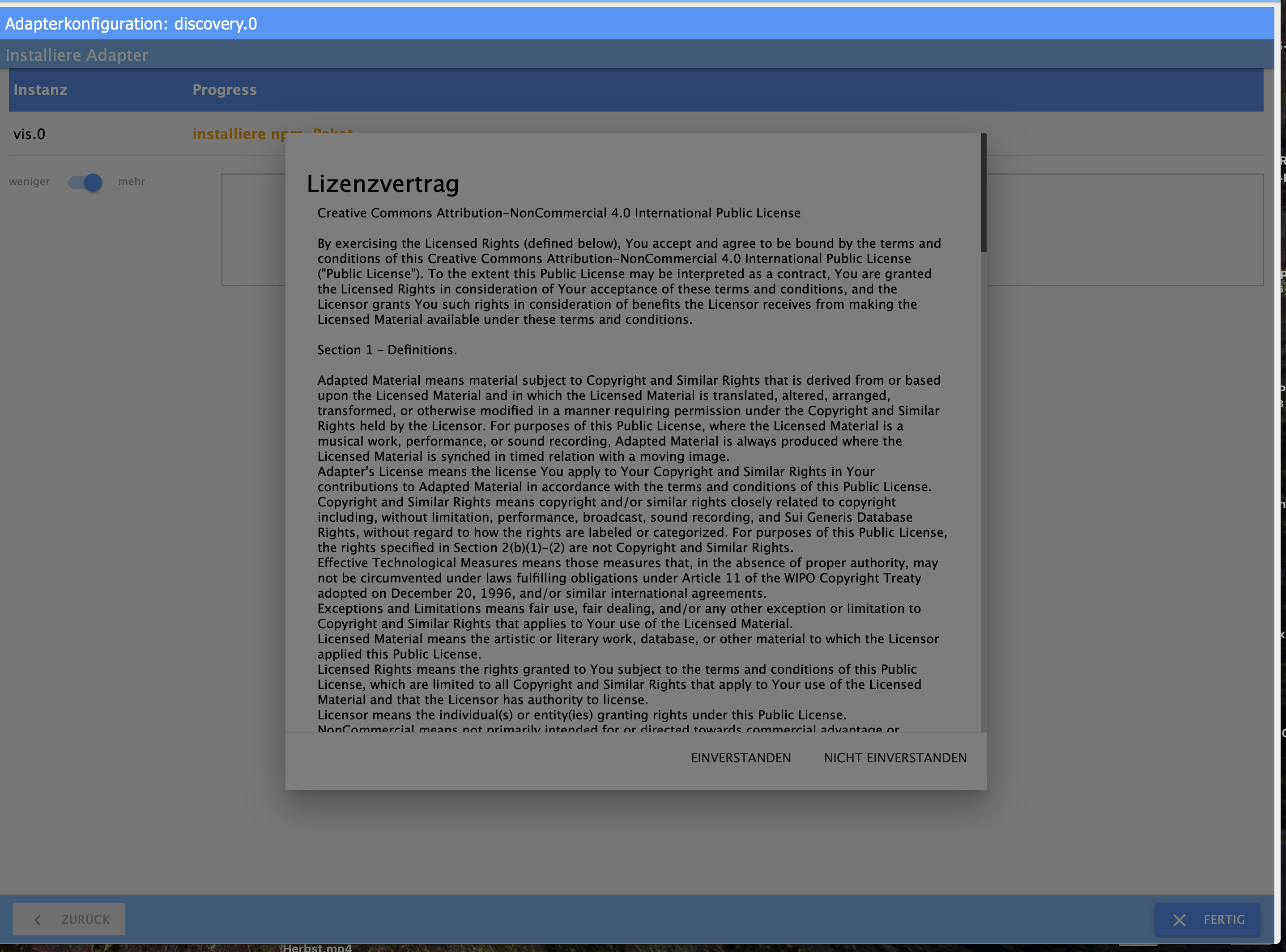
    8693_screenshot_2019-01-11_09.23.49.png

    homee, ioBroker, iMac, iPhone, Sonos, Alaxa

    1 Reply Last reply
    0
    • B Offline
      B Offline
      boni127
      wrote on last edited by
      #2

      Moin,

      habe das gleiche Problem. Hast Du schon eine Lösung gefunden?

      Grüße Detlev

      1 Reply Last reply
      0
      • bergjetB Offline
        bergjetB Offline
        bergjet
        wrote on last edited by
        #3

        Ganz einfach, unter Adapter, den Vis-Adapter installieren.
        8693_screenshot_2019-01-12_11.00.07.png

        homee, ioBroker, iMac, iPhone, Sonos, Alaxa

        1 Reply Last reply
        0
        • HomoranH Do not disturb
          HomoranH Do not disturb
          Homoran
          Global Moderator Administrators
          wrote on last edited by
          #4

          Damit wir alle vom gleichen reden, wenn das Wort "installieren" verwendet wird:

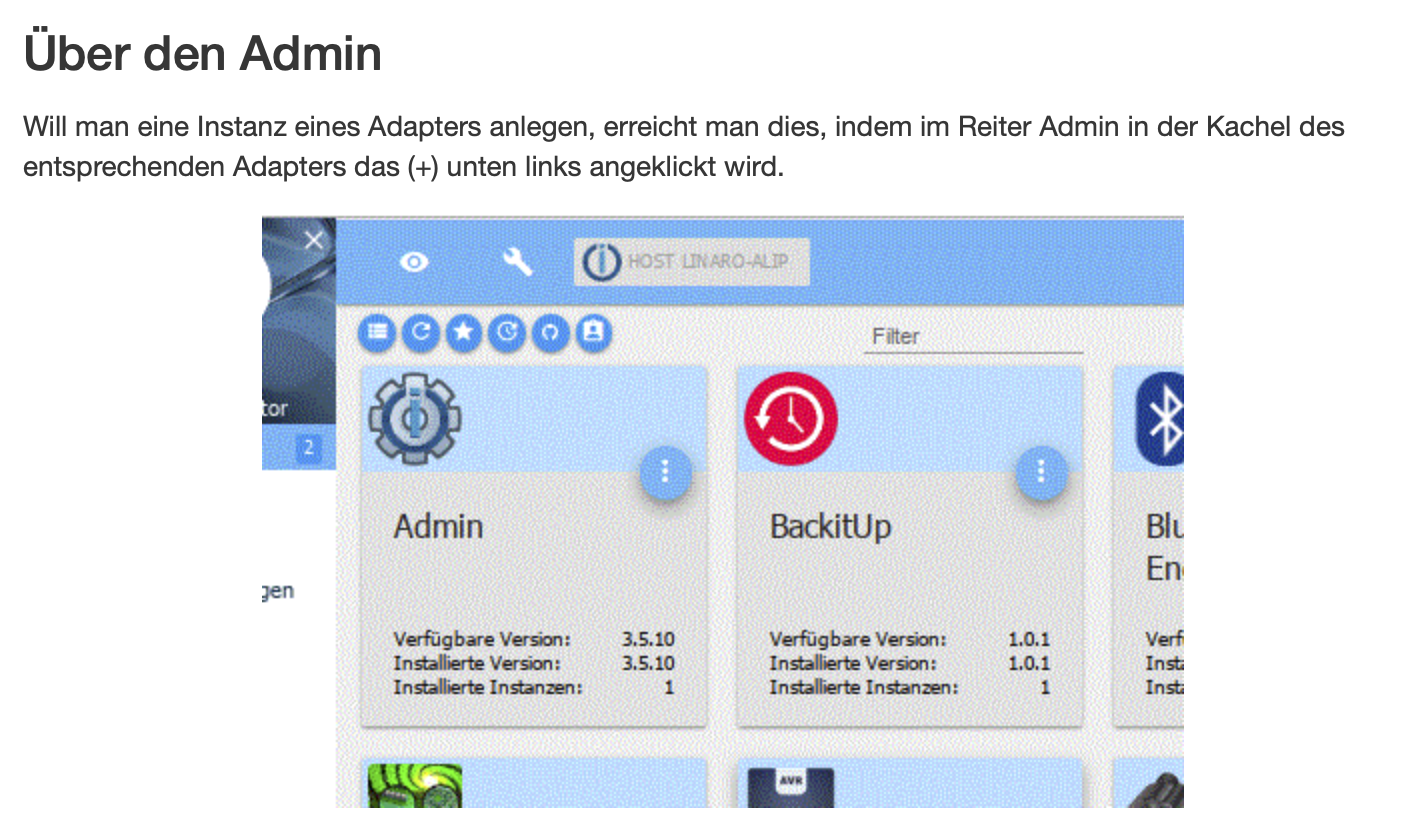
          http://www.iobroker.net/docu/?page_id=8511&lang=de

          Gruß

          Rainer

          kein Support per PN! - Fragen im Forum stellen - es gibt fast nichts, was nicht auch für andere interessant ist.

          Benutzt das Voting rechts unten im Beitrag wenn er euch geholfen hat.

          der Installationsfixer: curl -fsL https://iobroker.net/fix.sh | bash -

          1 Reply Last reply
          0
          Reply
          • Reply as topic
          Log in to reply
          • Oldest to Newest
          • Newest to Oldest
          • Most Votes


          Support us

          ioBroker
          Community Adapters
          Donate
          FAQ Cloud / IOT
          HowTo: Node.js-Update
          HowTo: Backup/Restore
          Downloads
          BLOG

          657

          Online

          32.7k

          Users

          82.4k

          Topics

          1.3m

          Posts
          Community
          Impressum | Datenschutz-Bestimmungen | Nutzungsbedingungen | Einwilligungseinstellungen
          ioBroker Community 2014-2025
          logo
          • Login

          • Don't have an account? Register

          • Login or register to search.
          • First post
            Last post
          0
          • Home
          • Recent
          • Tags
          • Unread 0
          • Categories
          • Unreplied
          • Popular
          • GitHub
          • Docu
          • Hilfe