




Git clone iobroker.docs unter Windows nicht möglich
-
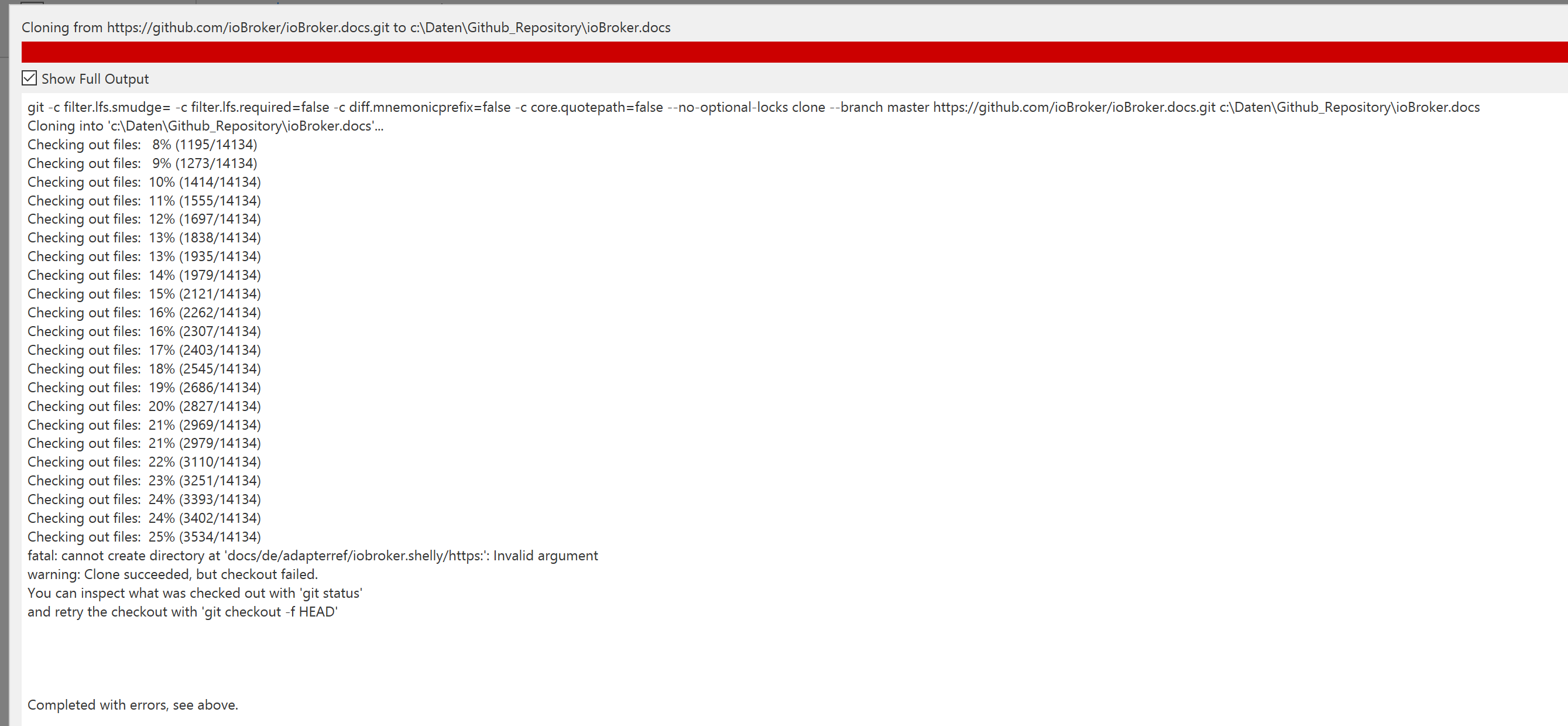
Wenn ich versuche das Repository von iobroker.docs (https://github.com/ioBroker/ioBroker.docs) auf meinem Windowsrechner zu clonen bekomme ich folgende Fehlermeldung:
Gitbash:
$ git clone https://github.com/ioBroker/ioBroker.docs.git
Cloning into 'ioBroker.docs'...
remote: Enumerating objects: 54900, done.
remote: Counting objects: 100% (310/310), done.
remote: Compressing objects: 100% (199/199), done.
remote: Total 54900 (delta 115), reused 238 (delta 104), pack-reused 54590
Receiving objects: 100% (54900/54900), 322.53 MiB | 2.72 MiB/s, done.
Resolving deltas: 100% (28983/28983), done.
fatal: cannot create directory at 'docs/de/adapterref/iobroker.shelly/https:': Invalid argument
warning: Clone succeeded, but checkout failed.
You can inspect what was checked out with 'git status'
and retry the checkout with 'git checkout -f HEAD'
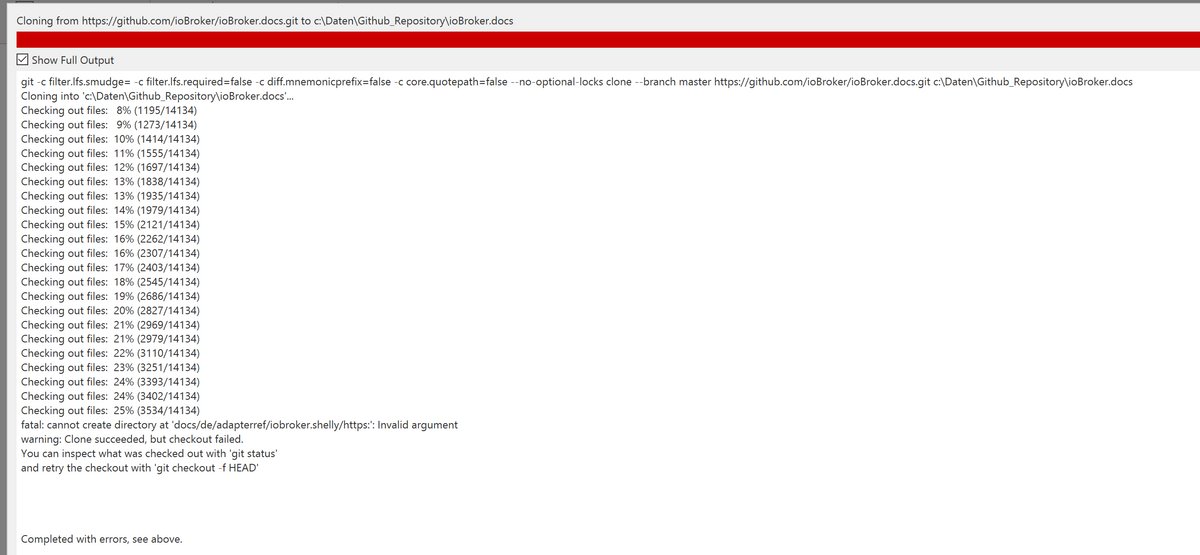
Auch mit Sourcetree bekomme ich die Fehlermeldung
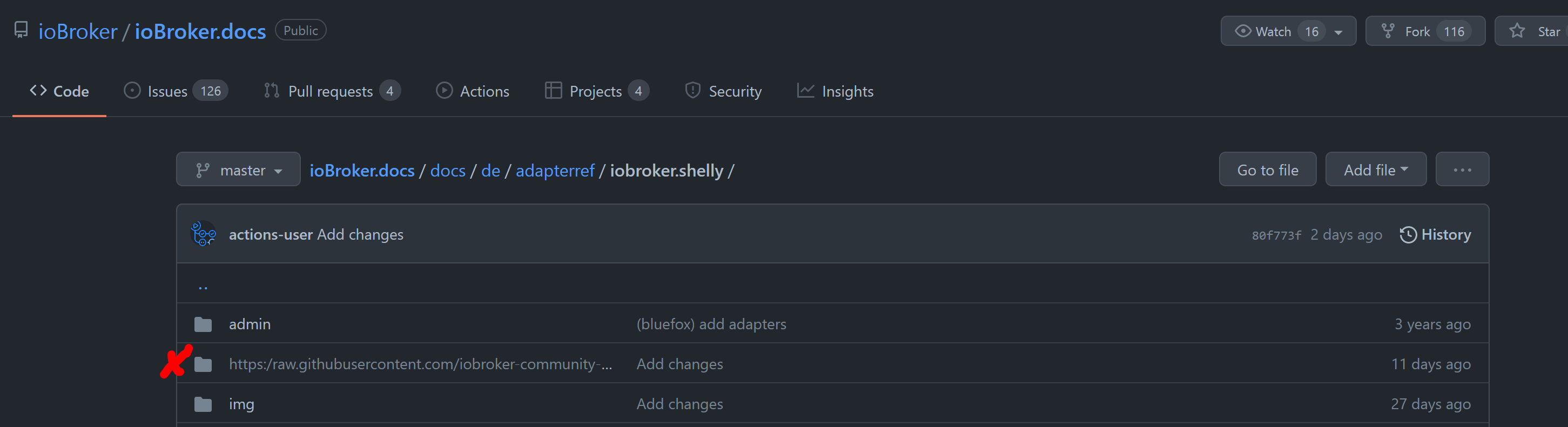
Ursache ist der folgende Ordner https://github.com/ioBroker/ioBroker.docs/tree/master/docs/de/adapterref/iobroker.shelly
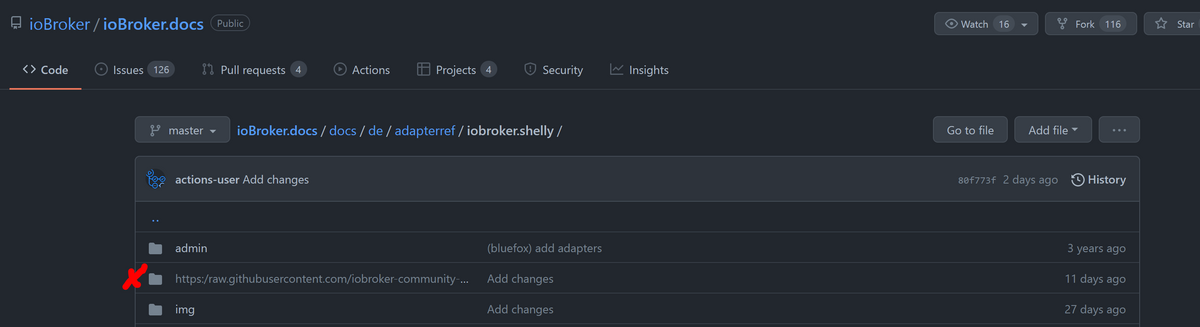
bei dem das Windows Dateisystem nicht mit den Doppelpunkt im Pfad zurecht kommt.Kennt jemand eine Alternative / Workaround, wie ich unter Windows so ein Repository clonen kann?
-
Wenn ich versuche das Repository von iobroker.docs (https://github.com/ioBroker/ioBroker.docs) auf meinem Windowsrechner zu clonen bekomme ich folgende Fehlermeldung:
Gitbash:
$ git clone https://github.com/ioBroker/ioBroker.docs.git
Cloning into 'ioBroker.docs'...
remote: Enumerating objects: 54900, done.
remote: Counting objects: 100% (310/310), done.
remote: Compressing objects: 100% (199/199), done.
remote: Total 54900 (delta 115), reused 238 (delta 104), pack-reused 54590
Receiving objects: 100% (54900/54900), 322.53 MiB | 2.72 MiB/s, done.
Resolving deltas: 100% (28983/28983), done.
fatal: cannot create directory at 'docs/de/adapterref/iobroker.shelly/https:': Invalid argument
warning: Clone succeeded, but checkout failed.
You can inspect what was checked out with 'git status'
and retry the checkout with 'git checkout -f HEAD'
Auch mit Sourcetree bekomme ich die Fehlermeldung
Ursache ist der folgende Ordner https://github.com/ioBroker/ioBroker.docs/tree/master/docs/de/adapterref/iobroker.shelly
bei dem das Windows Dateisystem nicht mit den Doppelpunkt im Pfad zurecht kommt.Kennt jemand eine Alternative / Workaround, wie ich unter Windows so ein Repository clonen kann?
@feuersturm sagte in Git clone iobroker.docs unter Windows nicht möglich:
warum nimmst du nicht die ZIP Option?
-
Wenn ich versuche das Repository von iobroker.docs (https://github.com/ioBroker/ioBroker.docs) auf meinem Windowsrechner zu clonen bekomme ich folgende Fehlermeldung:
Gitbash:
$ git clone https://github.com/ioBroker/ioBroker.docs.git
Cloning into 'ioBroker.docs'...
remote: Enumerating objects: 54900, done.
remote: Counting objects: 100% (310/310), done.
remote: Compressing objects: 100% (199/199), done.
remote: Total 54900 (delta 115), reused 238 (delta 104), pack-reused 54590
Receiving objects: 100% (54900/54900), 322.53 MiB | 2.72 MiB/s, done.
Resolving deltas: 100% (28983/28983), done.
fatal: cannot create directory at 'docs/de/adapterref/iobroker.shelly/https:': Invalid argument
warning: Clone succeeded, but checkout failed.
You can inspect what was checked out with 'git status'
and retry the checkout with 'git checkout -f HEAD'
Auch mit Sourcetree bekomme ich die Fehlermeldung
Ursache ist der folgende Ordner https://github.com/ioBroker/ioBroker.docs/tree/master/docs/de/adapterref/iobroker.shelly
bei dem das Windows Dateisystem nicht mit den Doppelpunkt im Pfad zurecht kommt.Kennt jemand eine Alternative / Workaround, wie ich unter Windows so ein Repository clonen kann?
@feuersturm sagte in Git clone iobroker.docs unter Windows nicht möglich:
Kennt jemand eine Alternative / Workaround, wie ich unter Windows so ein Repository clonen kann?
Du könntest einen sparse checkout probieren, bei dem das Verzeichnis nicht ausgecheckt wird.
https://stackoverflow.com/a/63786181/10179833


Hey! Du scheinst an dieser Unterhaltung interessiert zu sein, hast aber noch kein Konto.
Hast du es satt, bei jedem Besuch durch die gleichen Beiträge zu scrollen? Wenn du dich für ein Konto anmeldest, kommst du immer genau dorthin zurück, wo du zuvor warst, und kannst dich über neue Antworten benachrichtigen lassen (entweder per E-Mail oder Push-Benachrichtigung). Du kannst auch Lesezeichen speichern und Beiträge positiv bewerten, um anderen Community-Mitgliedern deine Wertschätzung zu zeigen.
Mit deinem Input könnte dieser Beitrag noch besser werden 💗
Registrieren AnmeldenSupport us
513
Online33.0k
Benutzer83.3k
Themen1.3m
Beiträge