




Fehlermeldungen bei IoBroker installation
-
ok, mache ich dann noch mal zu Hause. Hab es zweimal versucht vorhin. Aber mache ich dann noch mal von zu Hause aus.
-
Wir müssen schon längst Raspbery 1 und 2 SD Images erzeugen…
Konnte das jemand machen wenn 0.7.0 raus ist? `
Muss mir nur kleinere karten besorgen.
Habe nur 16GB-Karten und da ist das image selbst gezippt schon 12,5GB groß
Bei der Aktion ist mir aufgefallen, dass ich auch keine laufende Installation auf Anhieb mehr hinbekomme :(
Blieb nach der Bestätigung der Lizenzbedingungen mit "bearbeite" hängen. Außer log war kein Reiter anwählbar:
host-ioBroker-raspi	2015-06-25 19:55:43	error	Invalid request getInstalled. "callback" or "from" is null
host-ioBroker-raspi	2015-06-25 19:55:43	error	Invalid request getRepository. "callback" or "from" is null
host-ioBroker-raspi	2015-06-25 19:55:43	error	Invalid request getInstalled. "callback" or "from" is null
host-ioBroker-raspi	2015-06-25 19:55:43	error	Invalid request getRepository. "callback" or "from" is null
host-ioBroker-raspi	2015-06-25 19:55:09	error	Invalid request getInstalled. "callback" or "from" is null
host-ioBroker-raspi	2015-06-25 19:55:09	error	Invalid request getRepository. "callback" or "from" is null
host-ioBroker-raspi	2015-06-25 19:55:09	error	Invalid request getInstalled. "callback" or "from" is null
host-ioBroker-raspi	2015-06-25 19:55:09	error	Invalid request getRepository. "callback" or "from" is null
host-ioBroker-raspi	2015-06-25 19:53:11	error	Invalid request getInstalled. "callback" or "from" is null
host-ioBroker-raspi	2015-06-25 19:53:11	error	Invalid request getRepository. "callback" or "from" is null
host-ioBroker-raspi	2015-06-25 19:53:11	error	Invalid request getInstalled. "callback" or "from" is null
host-ioBroker-raspi	2015-06-25 19:53:11	error	Invalid request getRepository. "callback" or "from" is null
host-ioBroker-raspi	2015-06-25 19:52:47	error	Invalid request getInstalled. "callback" or "from" is null
host-ioBroker-raspi	2015-06-25 19:52:47	error	Invalid request getRepository. "callback" or "from" is null
host-ioBroker-raspi	2015-06-25 19:52:47	error	Invalid request getInstalled. "callback" or "from" is null
host-ioBroker-raspi	2015-06-25 19:52:47	error	Invalid request getRepository. "callback" or "from" is null
nach wechsel in /opt/iobroker und ausführen von ./iobroker restart läuft es jetzt. Ob es aber stabil ist????
Gruß
Rainer
-
Raspi 1? `
knapp daneben: Raspi2!
RaspBian vom 05.05.
Ich glaube da gab es schon einen thread. Ich hatte damals noch ein image von Februar und keine Probleme.
Gruß
Rainer
-
Hallo,
so der zweite Versuch der Installation hat geklappt.
-
Hallo,
nur noch mal zur Info, nach der Neuinstallation klappt die IOBroker Installation nicht mehr.
Wird daran gearbeitet? Sieht nach einem Fehler im Installationsprogramm aus, da es ja mehrere haben.
-
Hallo Michael,
ich habe gerade eine Neuinstallation durchgeführt.
Nachdem es gestern nicht geklappt hat, bekam ich heute keine Fehlermeldung.
root@Pi2-Basement:~# wget http://download.iobroker.org/nodejs_0.10.22-1_armhf.de                                                                                                                                                 b
--2015-06-30 08:37:44--  http://download.iobroker.org/nodejs_0.10.22-1_armhf.deb
Resolving download.iobroker.org (download.iobroker.org)... 37.120.169.17
Connecting to download.iobroker.org (download.iobroker.org)|37.120.169.17|:80...                                                                                                                                                  connected.
HTTP request sent, awaiting response... 200 OK
Length: 4865442 (4.6M) [application/x-debian-package]
Saving to: `nodejs_0.10.22-1_armhf.deb'

100%[======================================>] 4,865,442    491K/s   in 9.2s

2015-06-30 08:37:53 (514 KB/s) - `nodejs_0.10.22-1_armhf.deb' saved [4865442/486                                                                                                                                                 5442]

root@Pi2-Basement:~#
root@Pi2-Basement:~# dpkg -i nodejs_0.10.22-1_armhf.deb
Selecting previously unselected package nodejs.
(Reading database ... 77851 files and directories currently installed.)
Unpacking nodejs (from nodejs_0.10.22-1_armhf.deb) ...
Setting up nodejs (0.10.22) ...
Processing triggers for man-db ...
root@Pi2-Basement:~#
root@Pi2-Basement:~# rm nodejs_0.10.22-1_armhf.deb
root@Pi2-Basement:~#
root@Pi2-Basement:~#  mkdir /opt/iobroker
root@Pi2-Basement:~# cd /opt/iobroker
root@Pi2-Basement:/opt/iobroker#
root@Pi2-Basement:/opt/iobroker# npm install iobroker
npm http GET https://registry.npmjs.org/iobroker
npm http 200 https://registry.npmjs.org/iobroker
npm http GET https://registry.npmjs.org/iobroker/-/iobroker-0.5.2.tgz
npm http 200 https://registry.npmjs.org/iobroker/-/iobroker-0.5.2.tgz
npm http GET https://registry.npmjs.org/yargs
npm http 200 https://registry.npmjs.org/yargs
npm http GET https://registry.npmjs.org/yargs/-/yargs-1.2.6.tgz
npm http 200 https://registry.npmjs.org/yargs/-/yargs-1.2.6.tgz
npm http GET https://registry.npmjs.org/minimist
npm http 200 https://registry.npmjs.org/minimist
npm http GET https://registry.npmjs.org/minimist/-/minimist-0.1.0.tgz
npm http 200 https://registry.npmjs.org/minimist/-/minimist-0.1.0.tgz

> iobroker@0.5.2 install /opt/iobroker/node_modules/iobroker
> node lib/setup.js

npm install iobroker.js-controller --production --prefix /opt/iobroker
npm http GET https://registry.npmjs.org/iobroker.js-controller
npm http 200 https://registry.npmjs.org/iobroker.js-controller
npm http GET https://registry.npmjs.org/iobroker.js-controller/-/iobroker.js-controller-0.7.2.tgz
npm http 200 https://registry.npmjs.org/iobroker.js-controller/-/iobroker.js-controller-0.7.2.tgz
npm http GET https://registry.npmjs.org/request
npm http GET https://registry.npmjs.org/mime
npm http GET https://registry.npmjs.org/winston
.....
.....
npm http 304 https://registry.npmjs.org/options
Write "./iobroker start" to start the ioBroker
Non-critical error: ENOENT, no such file or directory '/opt/iobroker/node_modules/iobroker/lib/../../iobroker.js-controller/iobroker'
iobroker@0.5.2 node_modules/iobroker
└── yargs@1.2.6 (minimist@0.1.0)
root@Pi2-Basement:/opt/iobroker#
Lediglich der Autostart funktioniert nicht.
Vorgehensweise:
-
Raspbian vom 05.05. auf Karte geschrieben
-
gestartet und mit putty eingeloggt
-
sudo passwd root (und eingeben)
-
exit und neu einloggen als root
-
raspi-config ausführen (diesmal nur expand filesystem)
-
apt-get update && apt-get upgrade ausführen
-
dann node installieren…. (siehe code oben)
@Bluefox: kann es sein, dass es daran liegt, dass ich diesmal keine localisation geändert habe?????
Gruß
Rainer
-
-
Hallo Rainer,
aber es ist doch dann immer noch nicht richtig installiert, denn die Installation endet ja nicht wie in der Anleitung beschriebenen.
-
Die Anleitung habe ich vor ewigen Zeiten mit einer anderen Version geschrieben.
kann sein, dass das jetzt anders endet.
Da würde ich mich nicht dran aufhalten
Gruß
Rainer
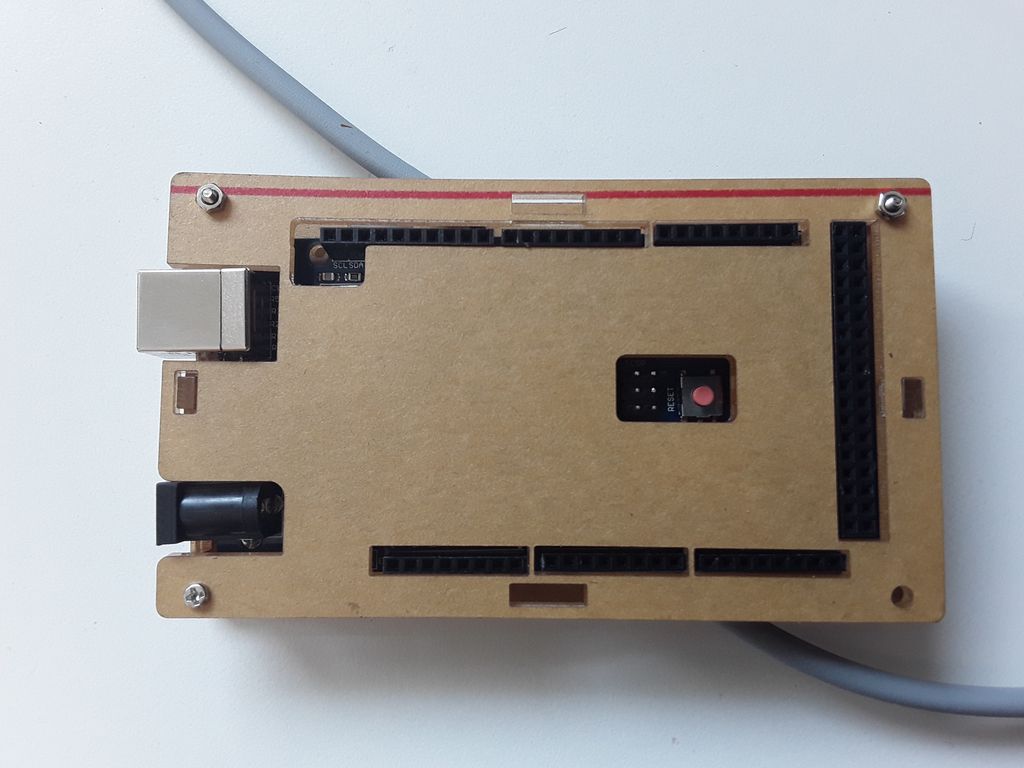
2411_bild1.jpg
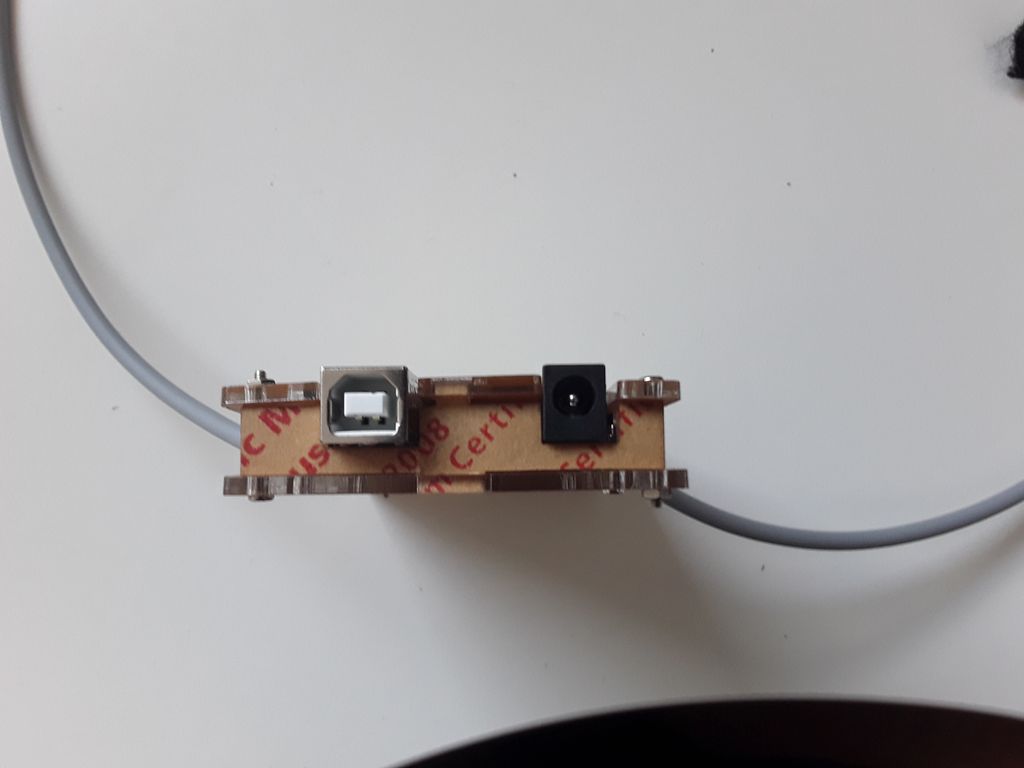
2411_bild2.jpg
Hey! Du scheinst an dieser Unterhaltung interessiert zu sein, hast aber noch kein Konto.
Hast du es satt, bei jedem Besuch durch die gleichen Beiträge zu scrollen? Wenn du dich für ein Konto anmeldest, kommst du immer genau dorthin zurück, wo du zuvor warst, und kannst dich über neue Antworten benachrichtigen lassen (entweder per E-Mail oder Push-Benachrichtigung). Du kannst auch Lesezeichen speichern und Beiträge positiv bewerten, um anderen Community-Mitgliedern deine Wertschätzung zu zeigen.
Mit deinem Input könnte dieser Beitrag noch besser werden 💗
Registrieren Anmelden226
Online33.0k
Benutzer83.5k
Themen1.3m
Beiträge