




[New Adapter] nextcloud talk messenger

-
Hey
find below the first release of the iobroker.nctalk Adapter... https://github.com/jjqoie/iobroker.nctalk
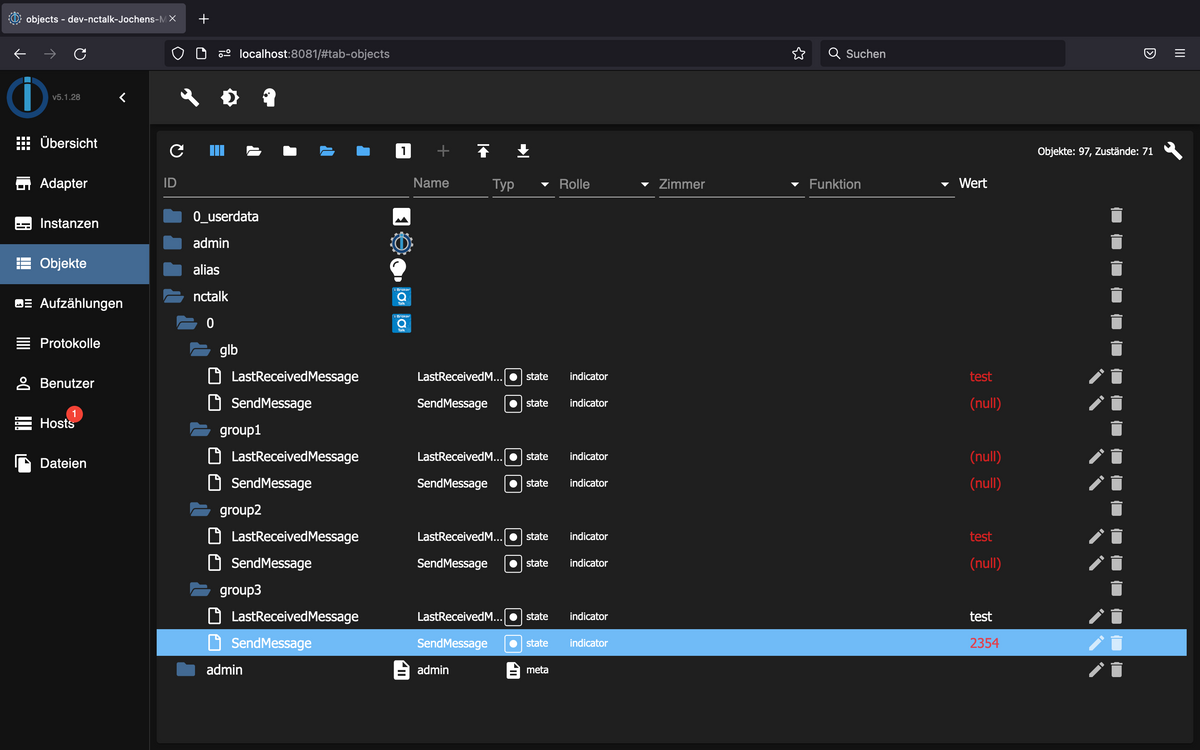
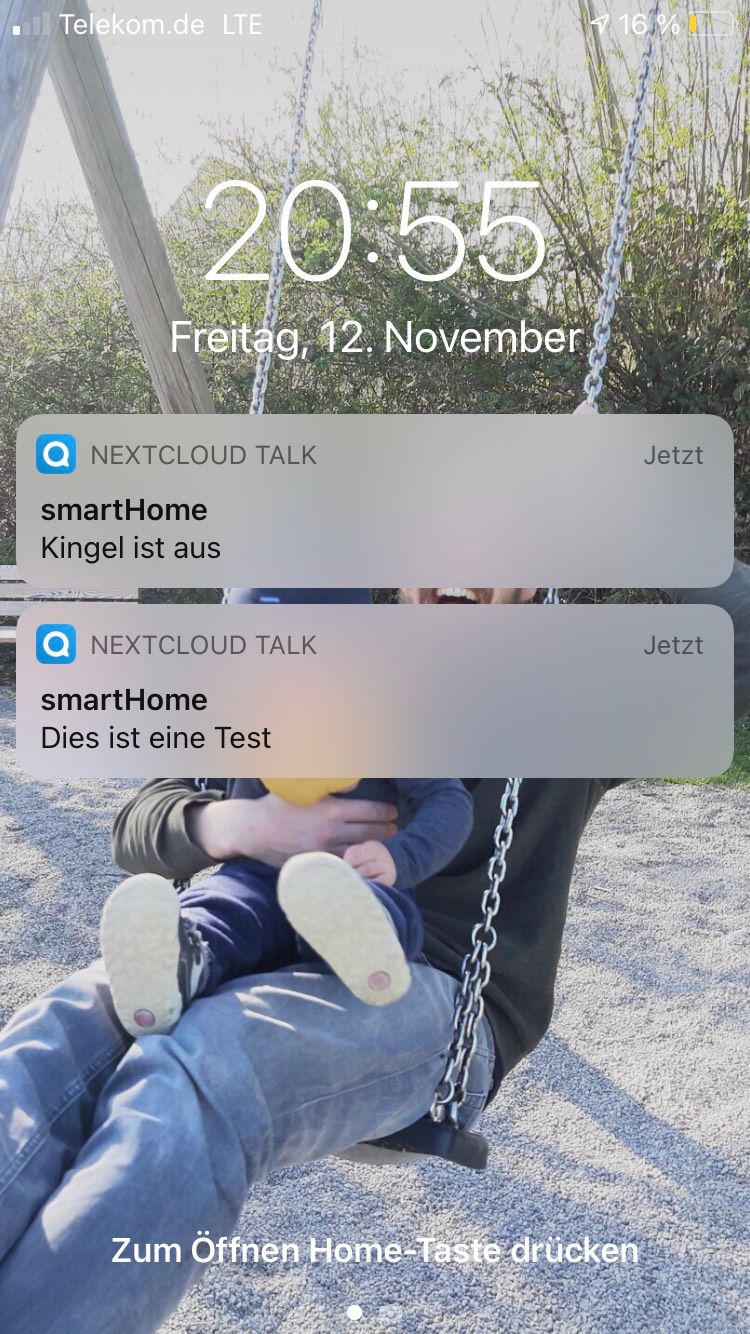
Currently Push Notification and receiving text messages are supported. Appropriate Objects/States will be added.
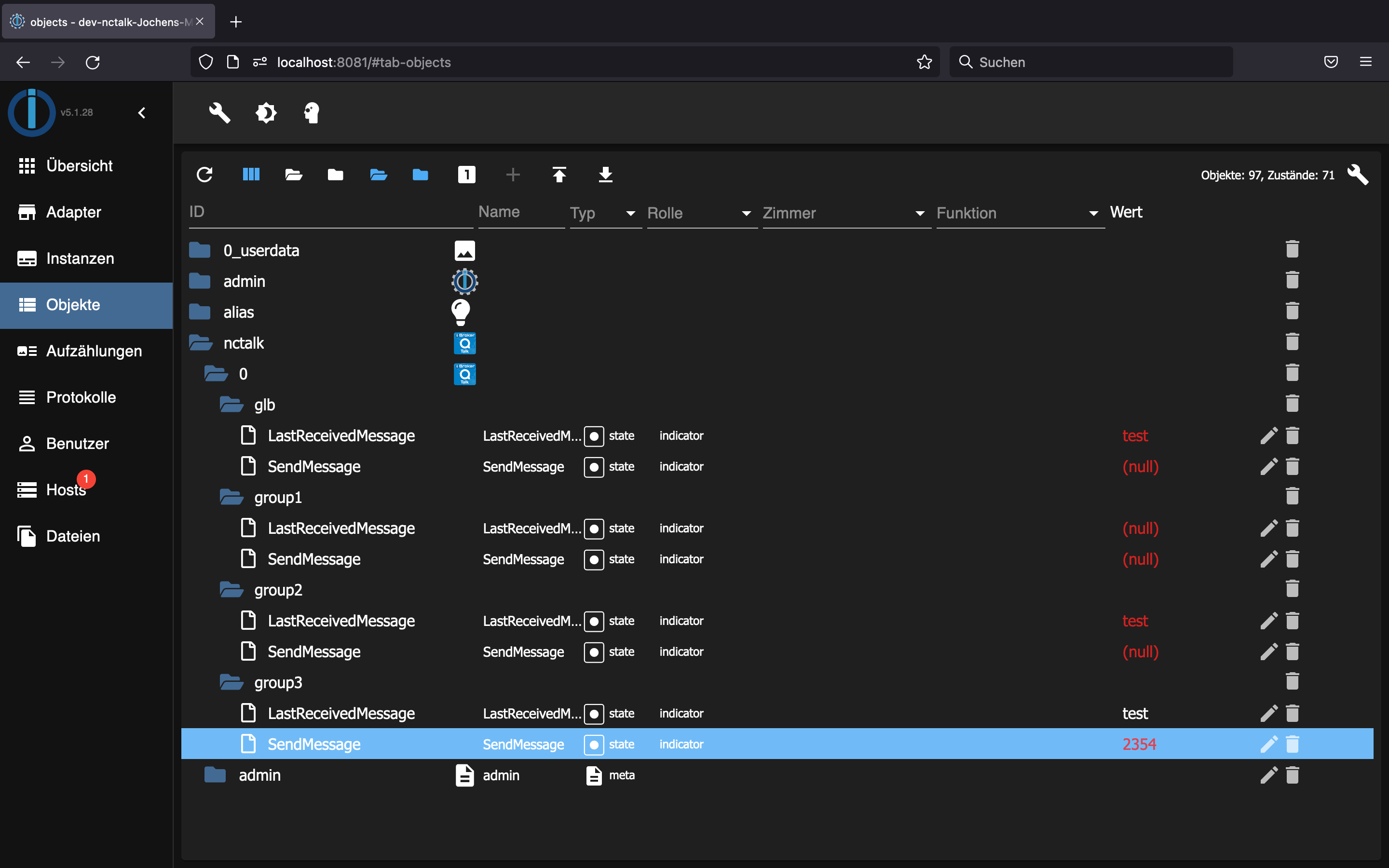
Beside the option to organise groups on the nextcloud side, also grouping on the iobroker side ist possible. This allows 1to1 chatrooms (one user with smartphone/iobroker user) to be grouped together via the iobroker admin page. In the future this shall make it possible to self administrate groups by the users itself, for example users can request from the smartphone/iobroker user to be added to open or password protected groups (not yet implemented).Configuration / Usage
Create a separate iobroker/smarthome account in nextcloud.
Configure the adapter using the user/password.
Save and wait 1,2 or 3 seconds and then click refresh.
Now all available chatrooms of the iobroker account will be shown and can be configured to your needs. (see screenshot)The adapter uses the Javascript nctalkclient (https://github.com/jjqoie/nctalkclient) and should check for the nextcloud version and adjust the API calls accordingly.
Feedback appreciated - if and what nextcloud version worked.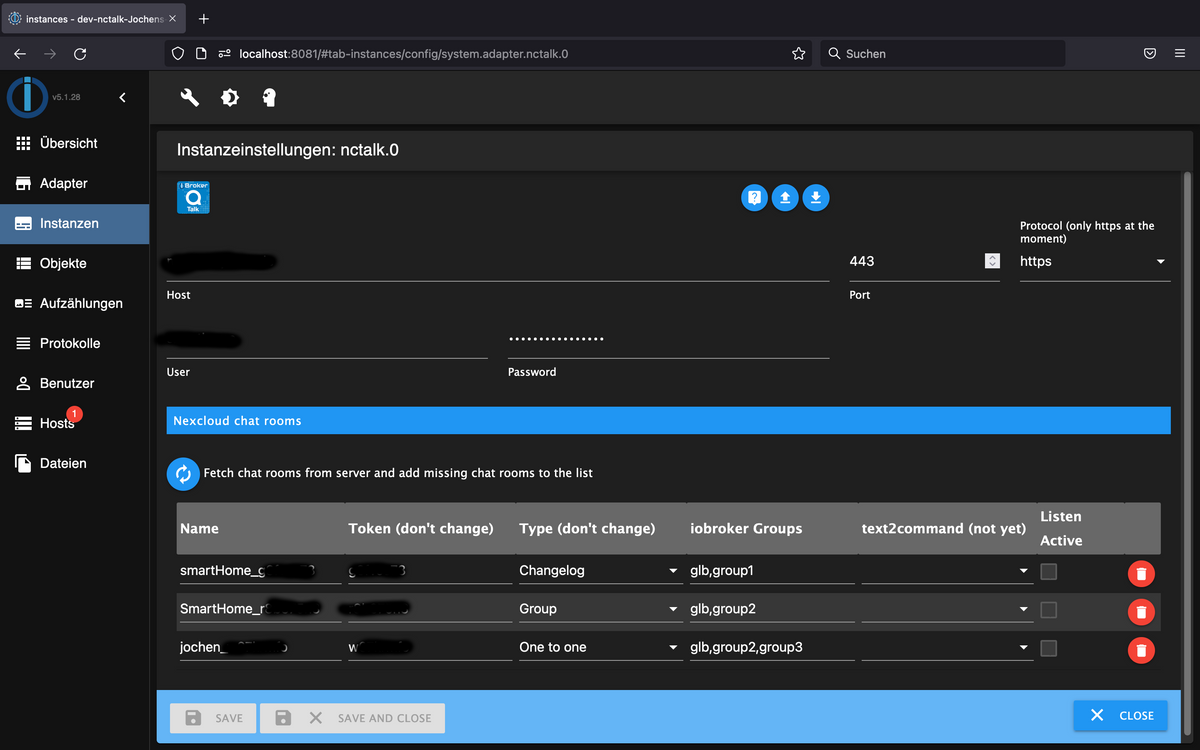
Hey! Du scheinst an dieser Unterhaltung interessiert zu sein, hast aber noch kein Konto.
Hast du es satt, bei jedem Besuch durch die gleichen Beiträge zu scrollen? Wenn du dich für ein Konto anmeldest, kommst du immer genau dorthin zurück, wo du zuvor warst, und kannst dich über neue Antworten benachrichtigen lassen (entweder per E-Mail oder Push-Benachrichtigung). Du kannst auch Lesezeichen speichern und Beiträge positiv bewerten, um anderen Community-Mitgliedern deine Wertschätzung zu zeigen.
Mit deinem Input könnte dieser Beitrag noch besser werden 💗
Registrieren AnmeldenSupport us
436
Online33.0k
Benutzer83.6k
Themen1.3m
Beiträge